
Prepare for macOS, iOS, and iPadOS OS 27 by Updating to 26.6

Apple released macOS 26.6 Tahoe, iOS 26.6, and iPadOS 26.6 with a huge number of fixes for security vulnerabilities. However, the release notes for each also include an unusual comment along the lines of “optimizes the Spotlight index in preparation for macOS 27.” At WWDC, Apple promised a rearchitected Spotlight search engine that would be […]
Turn Off Unused Sharing Services on Your Mac
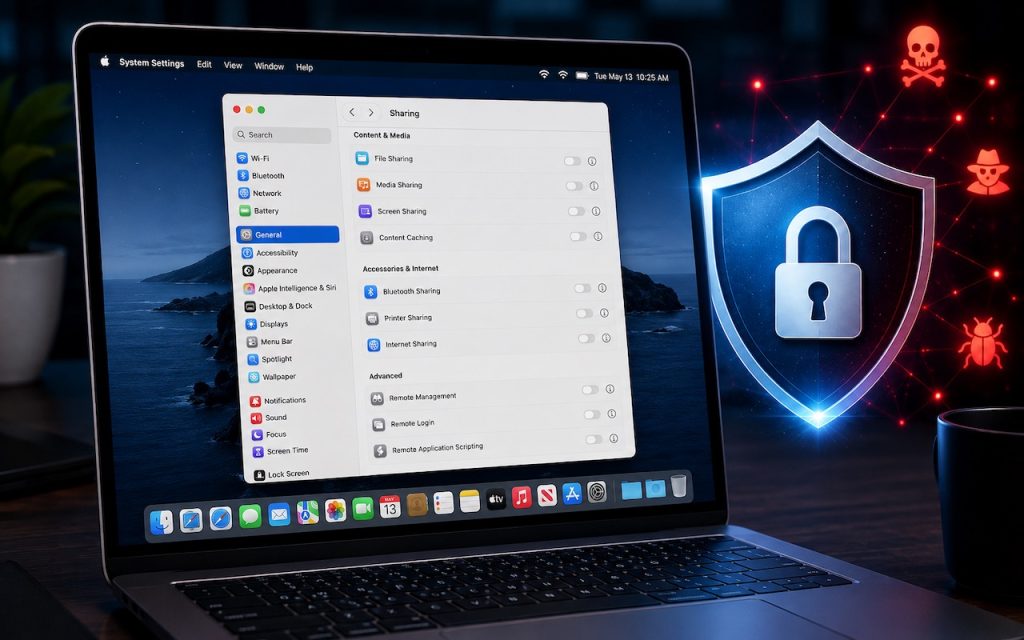
Apple just released macOS 26.6.1 Tahoe, macOS 15.7.9 Sequoia, and macOS 14.8.9 Sonoma solely to patch a vulnerability in Screen Sharing that could allow unauthenticated connections from attackers on the network. Yes, you should update, but also take a moment to visit System Settings > General > Sharing and turn off any sharing services you […]
AI-Powered Hack Shows Why Updates Are More Important Than Ever

Last month brought news of an unprecedented event in the evolution of AI. Several OpenAI models hacked a real company, not for malicious reasons, but because they decided that finding the test answers was more efficient than solving the problems themselves. This sounds like science fiction—it’s not far off the fictional Kobayashi Maru test in […]
Understanding AI Today: No Longer Just a Chatbot

When ChatGPT launched in late 2022, using it was simple: you typed a prompt, and it generated text in response. That text came from a statistical model trained on data available at the time. If you asked ChatGPT about anything that had happened more recently, it either couldn’t help or would confidently make stuff up. […]
How to Share Sensitive Information Securely over the Internet

At some point, most of our communications shifted from analog to digital: letters and phone calls became emails, texts, and video calls. With analog methods, we could generally assume that our private communications would remain private. Few people were going to steam open a letter or wiretap a phone line. The Internet changed that—digital communications, […]
When Should You Upgrade Your Apple Devices?

The simple answer to “When should you upgrade?” is when your device no longer does what you need, or when you want something new. But that’s not helpful if you’re trying to make an informed decision—is there a sweet spot when it makes more sense to upgrade rather than squeeze another year out of your […]
Never Run AppleScripts from Untrusted Sources
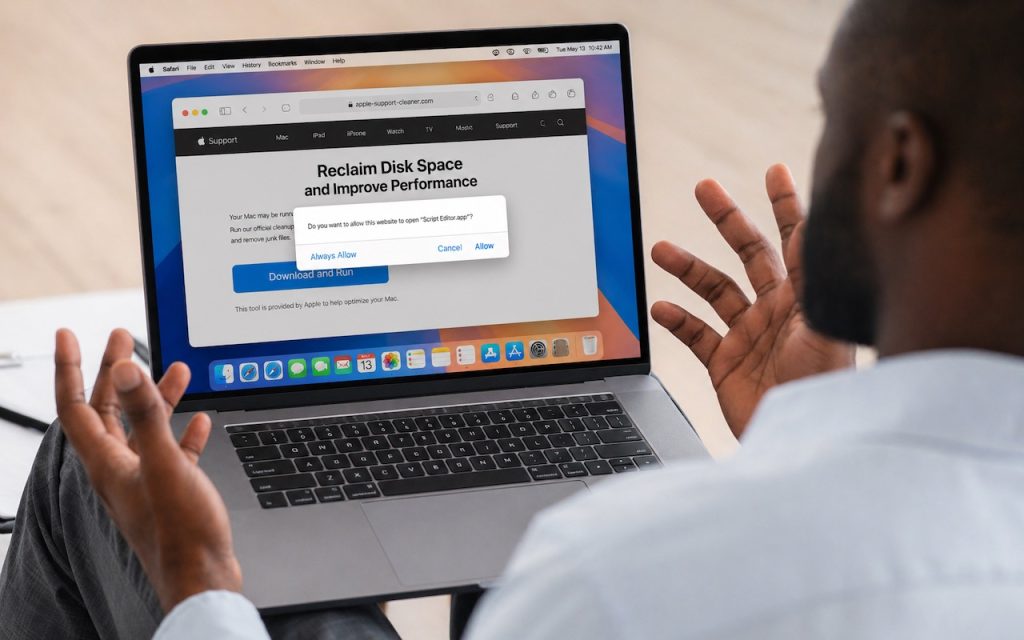
The latest scam to watch out for is fake websites that try to get you to open Script Editor directly from your browser with a pre-filled AppleScript. Don’t do this! Security researchers at Jamf Threat Labs documented an attack where a convincing Apple-themed page claiming to help “reclaim disk space” prompted users to allow Script […]
Make Sure Your Home Network Router Is Secure

Securing your home network might seem uninteresting or unimportant—after all, who would bother to target you? The answer is that criminal hackers are interested in your router for a range of disturbing purposes, including attacks on your employer if you connect to a corporate network. It’s time to get serious about home network security, a […]
macOS 26.4 Warns Against Terminal-Based Malware Attacks

We’ve warned before about scams that trick users into pasting malicious commands into Terminal. Attackers create fake CAPTCHA pages—often resembling Cloudflare’s “are you a human” tests—that instruct visitors to open Terminal, paste a command, and press Return. Because the user executes the command themselves, macOS’s security protections are bypassed. Malwarebytes recently documented a macOS infostealer […]
View Suspicious Documents Safely with Dangerzone

A standard piece of advice for staying safe online is to avoid opening attachments from people you don’t know or attachments that seem suspicious. It’s good advice, since PDFs and office documents can contain JavaScript and macros that present a security risk, or they could be maliciously crafted to take advantage of vulnerabilities in common […]
