
Be Careful When Offloading iPhone Apps
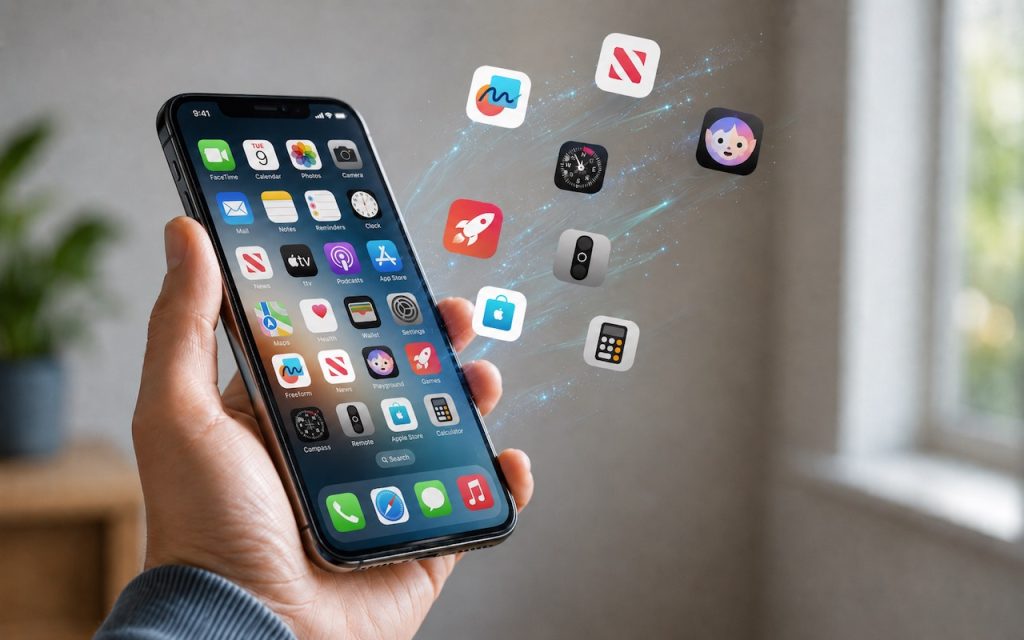
Automatic offloading of seldom-used apps can be a good strategy for recovering space on an iPhone whose storage is almost full, and iOS can do this for you in Settings > Apps > App Store > Offload Unused Apps. When you open an app that was offloaded, iOS will re-download it from the App Store […]
How to Develop Safely with AI

Generative AI is transforming software development. Large language models are good at human languages, but they’re even better at programming languages, which have much smaller vocabularies and fewer ways to combine words. Most importantly, code does something, so running it confirms whether it performs as intended. The result has been a democratization of development, much […]
WhatCable Reports on Your USB-C Cables

We’ve all ended up with a collection of random USB-C cables that arrived with devices, were purchased while traveling, or were left by visitors. But you can’t look at a cable to determine its data speed, how much power it can carry, or whether it’s hampering display quality. You could buy a hardware tester, but […]
Eliminate Article Distractions with Safari Reader

Reading articles on the Web has become fraught with distraction. Ads are terrible, of course, but publications also inundate you with navigation links, pop-ups encouraging you to subscribe, popular article lists, and more. Even worse is when an article requires multiple clicks or taps to keep reading. It’s maddening—you just want to read and get […]
Prepare for macOS, iOS, and iPadOS OS 27 by Updating to 26.6

Apple released macOS 26.6 Tahoe, iOS 26.6, and iPadOS 26.6 with a huge number of fixes for security vulnerabilities. However, the release notes for each also include an unusual comment along the lines of “optimizes the Spotlight index in preparation for macOS 27.” At WWDC, Apple promised a rearchitected Spotlight search engine that would be […]
Don’t Delay Mac Purchases to the Last Minute

We’ve become accustomed to being able to get nearly anything we want—including Macs—overnight, or at least within a couple of days. Unfortunately, surging demand from AI data centers has created a global memory shortage that’s squeezing the consumer electronics industry. As a result, we’re seeing both higher Mac prices and significantly longer delivery times as […]
Turn Off Unused Sharing Services on Your Mac

Apple just released macOS 26.6.1 Tahoe, macOS 15.7.9 Sequoia, and macOS 14.8.9 Sonoma solely to patch a vulnerability in Screen Sharing that could allow unauthenticated connections from attackers on the network. Yes, you should update, but also take a moment to visit System Settings > General > Sharing and turn off any sharing services you […]
AI-Powered Hack Shows Why Updates Are More Important Than Ever

Last month brought news of an unprecedented event in the evolution of AI. Several OpenAI models hacked a real company, not for malicious reasons, but because they decided that finding the test answers was more efficient than solving the problems themselves. This sounds like science fiction—it’s not far off the fictional Kobayashi Maru test in […]
Understanding AI Today: No Longer Just a Chatbot

When ChatGPT launched in late 2022, using it was simple: you typed a prompt, and it generated text in response. That text came from a statistical model trained on data available at the time. If you asked ChatGPT about anything that had happened more recently, it either couldn’t help or would confidently make stuff up. […]
Share Your Location Temporarily While Traveling

The next time you’re flying, driving, or biking to visit an iPhone-using friend or relative, try sharing your location temporarily so they can check in on your progress without constant “where are you now?” texts. In iOS 17 and later, open a Messages conversation with that person, tap the ⊕ button to the left of […]
