
New Apple Creator Studio Bundles Pro Apps

Apple has introduced Apple Creator Studio, a subscription bundle of Final Cut Pro, Logic Pro, Pixelmator Pro, Motion, Compressor, and MainStage, priced at $12.99 per month or $129 per year (with education pricing at $2.99 per month or $29.99 per year). The bundle also includes premium content and a few AI tools for the iWork […]
Why Your Windows Reopen (Or Don’t) As You Expect

Have you noticed that when you restart your Mac or relaunch an app, your previous windows and documents sometimes reappear exactly as you left them, but at other times you’re greeted with a clean slate? This behavior is controlled by Resume, a technology introduced in OS X 10.7 Lion back in 2011. Resume automatically reopens […]
Why Your Digital Details Matter: Protecting Your Business With Proper Documentation

In today’s world, your business runs on a long list of digital assets—passwords, account settings, domain names, website logins, cloud services, backup systems, and more. These tools keep your business running day to day, but too often they’re scattered across emails, sticky notes, or just “in someone’s head.” At Consultant Alliance, we’ve seen firsthand how […]
Make Finder Window Columns Resize to Fit Filenames

Column view in the Finder has an annoying tendency to either show overly wide columns that waste space or truncate long filenames, forcing you to drag a column divider to see more of the name. In macOS 26.1 Tahoe, Apple added an option to the Finder’s View Options window that automatically adjusts column widths to […]
Be Very Careful with AI Agents!

AI agents—software that can take actions on your behalf using artificial intelligence—are having a moment. The appeal is obvious: imagine a robot butler that triages your inbox, manages your calendar, and handles tedious tasks while you focus on more important work. That’s the promise driving the recent surge in popularity of OpenClaw (formerly known as […]
Customize Folder Colors and Icons in macOS 26 Tahoe
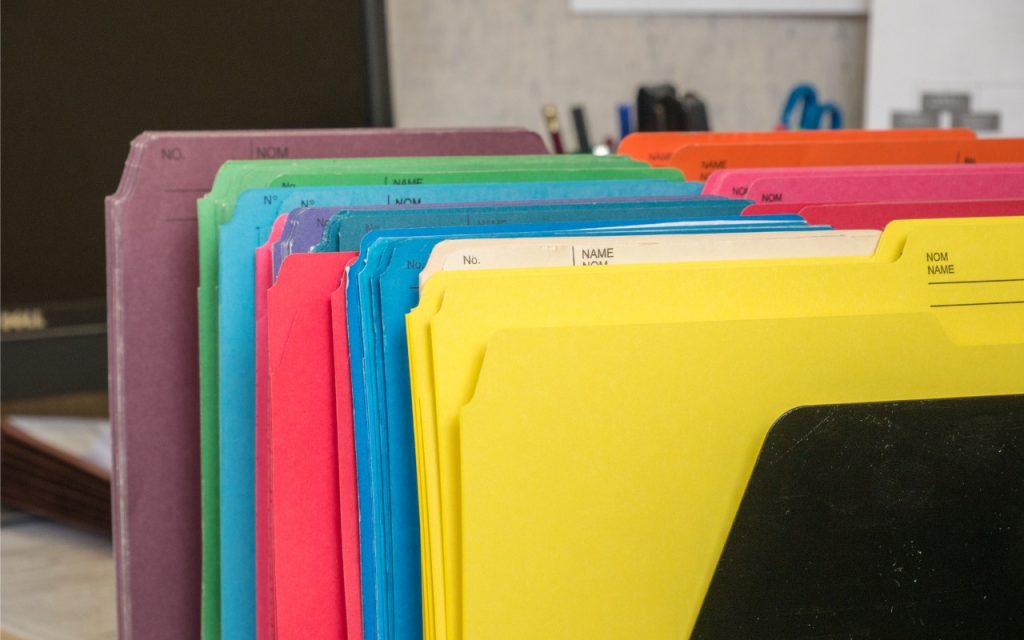
In macOS 26 Tahoe, Apple has made it easier to customize folder appearance in the Finder. Control-click any folder and choose Customize Folder. In the panel that appears, click a colored circle to apply that color and then select an icon to display on the folder. Click the Emoji button to choose from the full […]
What Can You Do With the iPhone’s Action Button? Nearly Anything!
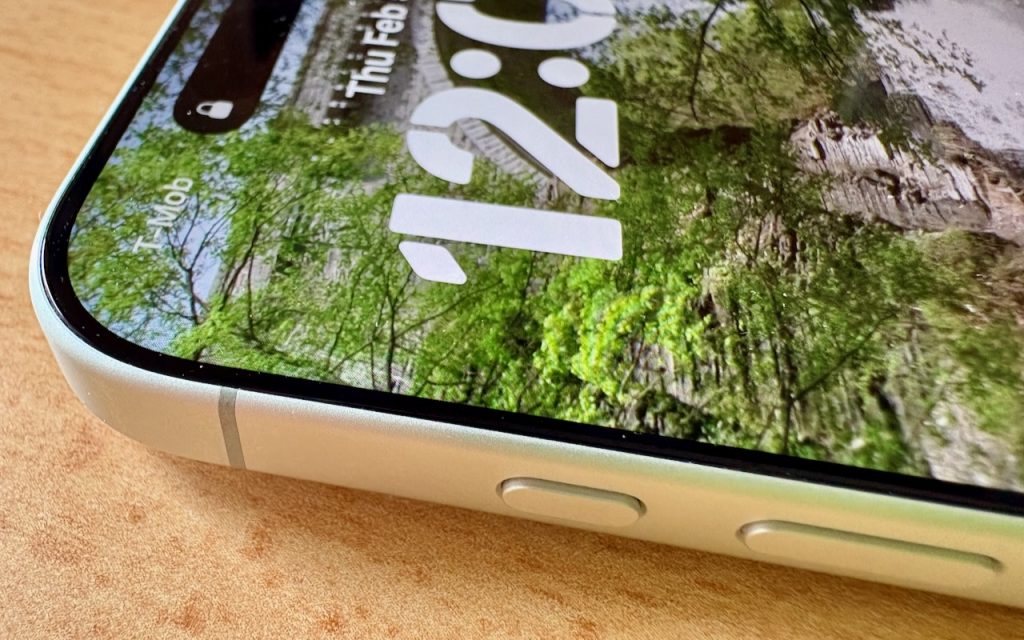
Starting with the iPhone 15 Pro and Pro Max, Apple replaced the Ring/Silent switch on the top-left edge of the iPhone with the Action button, making the new button standard across the iPhone 16 and iPhone 17 lineups in subsequent years. The Action button is a dedicated hardware button you can configure to perform one […]
Control Song Transitions in Apple Music

A new feature for Apple Music subscribers in the Music app in iOS 26, iPadOS 26, and macOS 26 is AutoMix, which Apple says causes songs to “transition at the perfect moment, based on analysis of the key and tempo of the music.” It fades between songs as a DJ would, but it’s not always […]
Five Invisible Characters That Still Matter in Word Processing and Layout

In earlier eras of word processing, users were much more likely to encounter explanations of document structure—not because everyone had to become an expert, but because knowledge was shared differently. Software shipped with detailed manuals, user groups and training classes focused on how documents worked under the hood, and power users routinely shared mental models […]
Try macOS 26.2’s Edge Light for Low-Light Video Calls

We can’t always guarantee optimal lighting for video calls, especially when using laptops on the go. A new feature in macOS 26.2 Tahoe called Edge Light might help. It’s a video effect that uses the outermost pixels of your Mac’s display to create a bright white rectangle that illuminates your face during video calls. It […]
