
Not Sure If You’re Presentable for a Video Call? Try Hand Mirror

Since the pandemic, video calls have become a fact of life for many of us, so much so that it’s now possible to sit down for a meeting without thinking about whether you’ve changed out of your pajamas or brushed your hair. (No judgment; we’ve all done it.) To ensure that you’re presentable before you […]
10 Reasons to Upgrade to Apple’s Version 27 Operating Systems This Fall
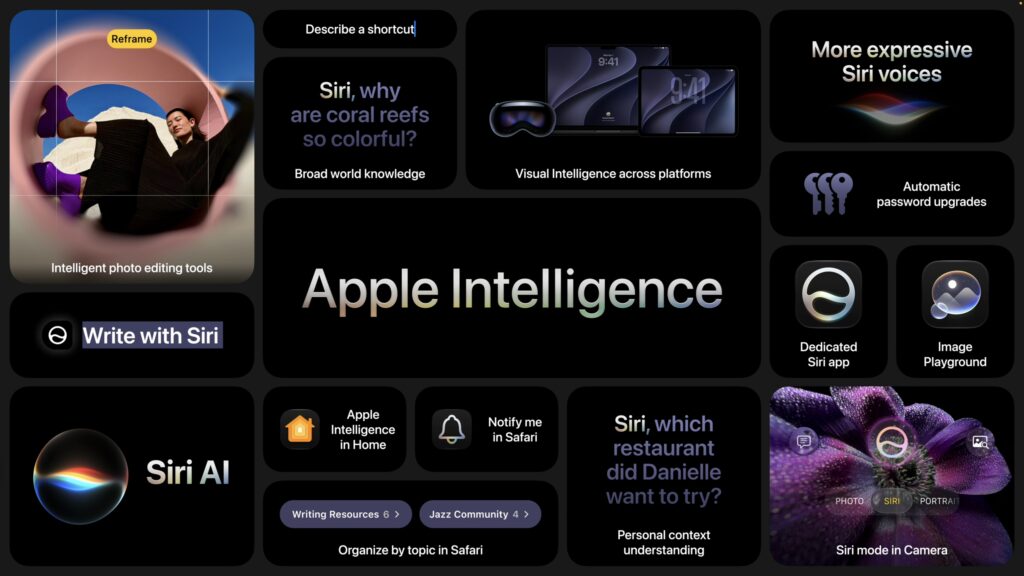
Apple’s Worldwide Developer Conference keynote—the final public appearance for outgoing CEO Tim Cook—was different this year. Although it was still a tour of the changes we’ll see in version 27 of Apple’s operating systems, the company broke it into three parts. The first focused on interface refinements, performance improvements, and feature tweaks that smooth rough […]
Office 2019 for Mac Goes Read-Only on July 13, 2026
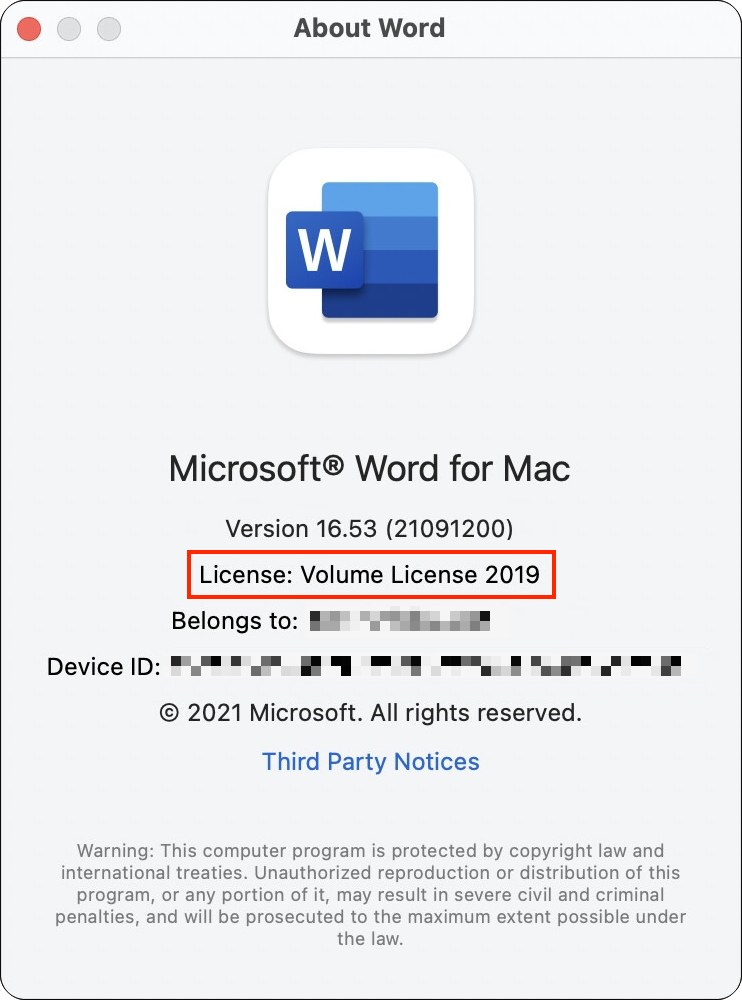
If you’re still using Microsoft Office 2019 for Mac, on July 13, 2026, an expiring certificate will cause your copies of Word, Excel, PowerPoint, and Outlook to enter “reduced functionality mode,” meaning you can view and print documents but cannot edit or create new ones. To check if you’re affected, open Word and choose Word […]
Speed Up Mac and iOS Typing with Text Expansion
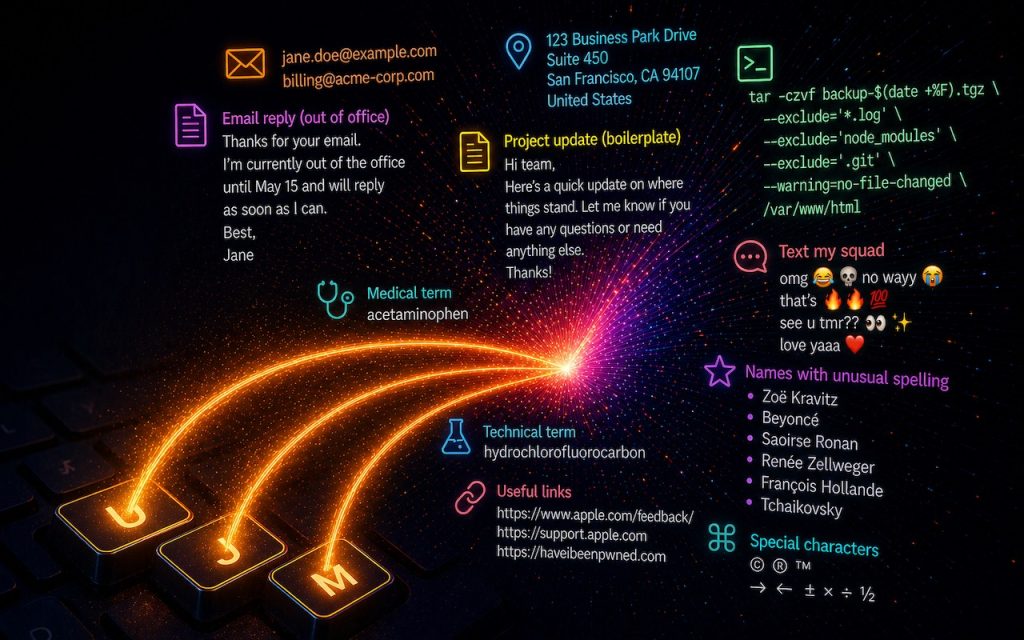
Silicon Valley thinks everyone wants to delegate writing to AI, which is why Apple Intelligence constantly suggests replies for you in Messages and Mail. But there’s an excellent way to supercharge your typing speed without sounding like a chirpy chatbot or resorting to teenage texting abbreviations: text expansion. Text expansion speeds up typing words or […]
Never Run AppleScripts from Untrusted Sources
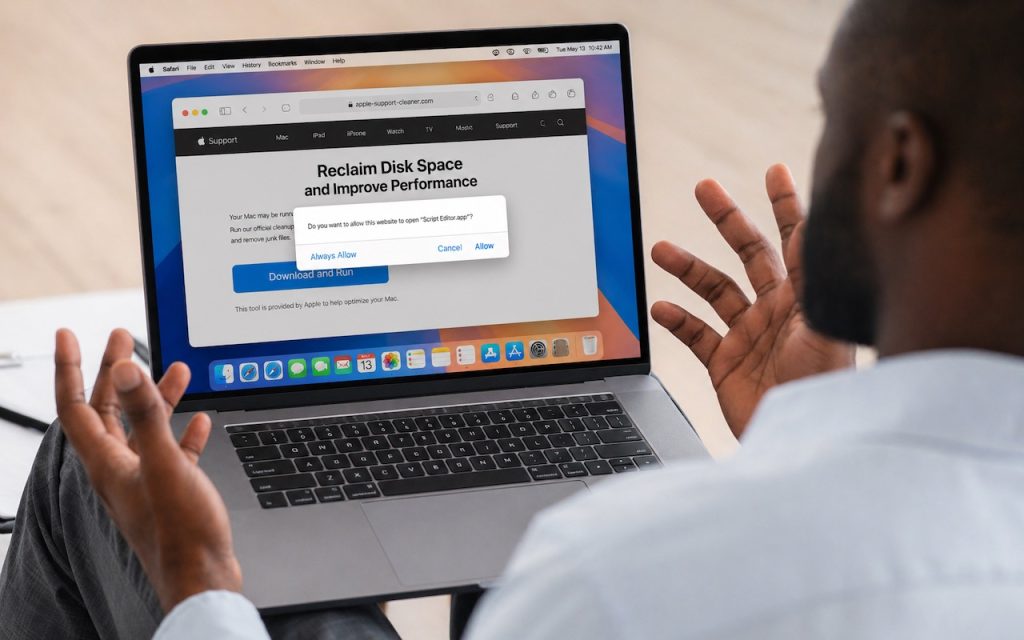
The latest scam to watch out for is fake websites that try to get you to open Script Editor directly from your browser with a pre-filled AppleScript. Don’t do this! Security researchers at Jamf Threat Labs documented an attack where a convincing Apple-themed page claiming to help “reclaim disk space” prompted users to allow Script […]
Get to Your Files Faster by Choosing the Best Finder View
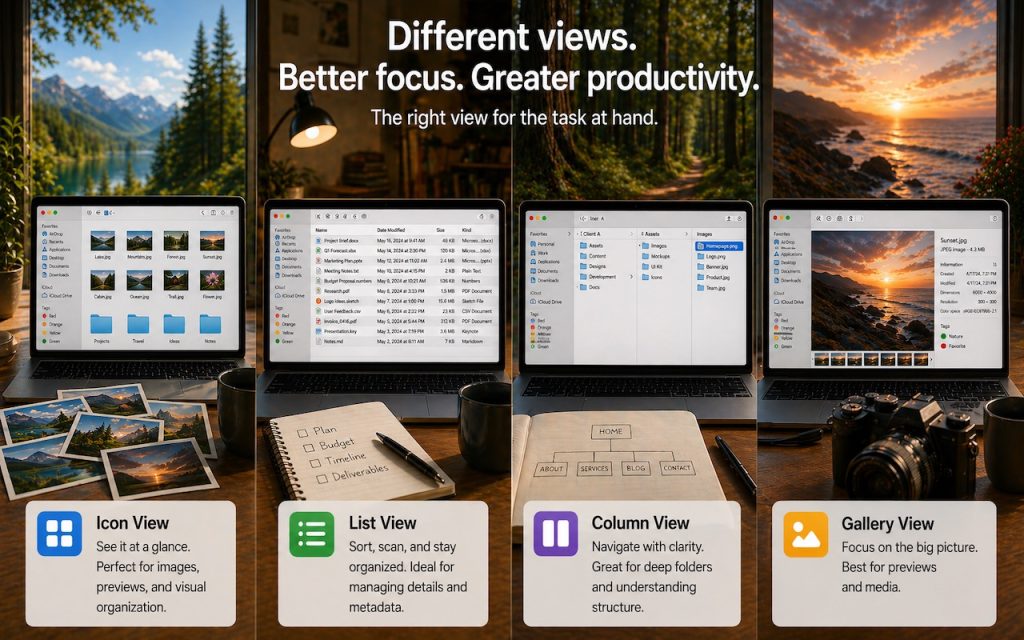
If you can work comfortably with the Mac’s four Finder views, you’ll enjoy an easier experience when you try to get to your folders and files. Each view has its pros and cons, so using the best view for the job at hand will make you more productive. Here’s a look at the Icon, List, […]
Choose Default Apps for File Types in iOS 26 and iPadOS 26
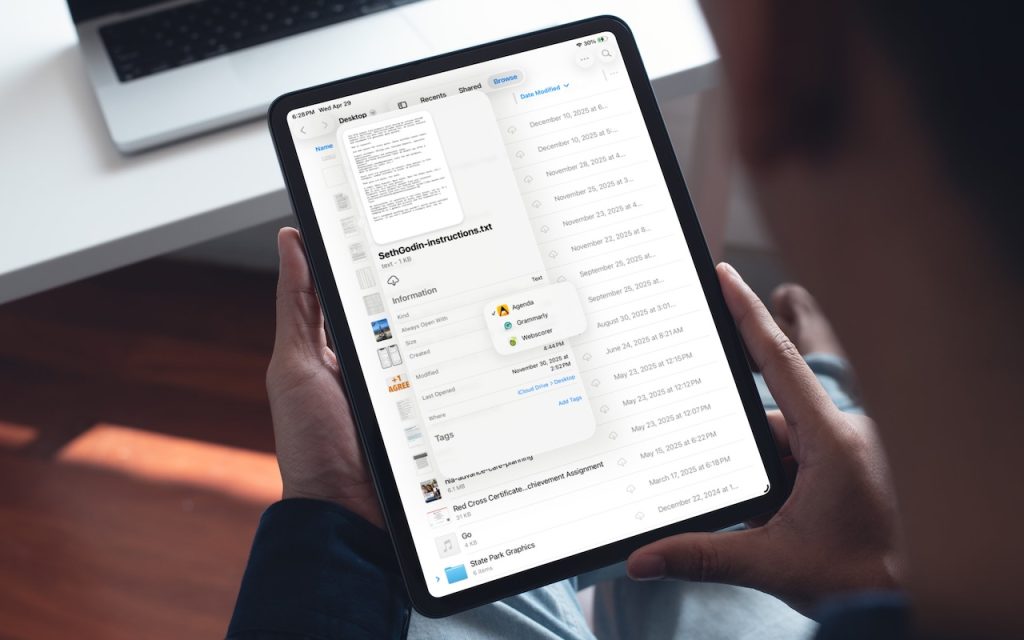
On the Mac, every file type opens in a particular app by default, but it’s easy to open a PDF, image, or text file in a different app. In the Finder’s Get Info window, you can also reset the default app so that, for example, JPEGs open in Photoshop or Affinity instead of Preview. That’s […]
Make Sure Your Home Network Router Is Secure

Securing your home network might seem uninteresting or unimportant—after all, who would bother to target you? The answer is that criminal hackers are interested in your router for a range of disturbing purposes, including attacks on your employer if you connect to a corporate network. It’s time to get serious about home network security, a […]
Safari’s Compact Tab Bar Returns in macOS 26.4 and iPadOS 26.4

Safari’s compact tab bar option, which saves vertical space by placing the address bar in the current tab, went missing in the initial releases of macOS 26 Tahoe and iPadOS 26. Only Apple knows why this helpful option disappeared (Liquid Glass?), but as of macOS 26.4 and iPadOS 26.4, it’s back! On the Mac, select […]
Customize the Camera Control on Your iPhone
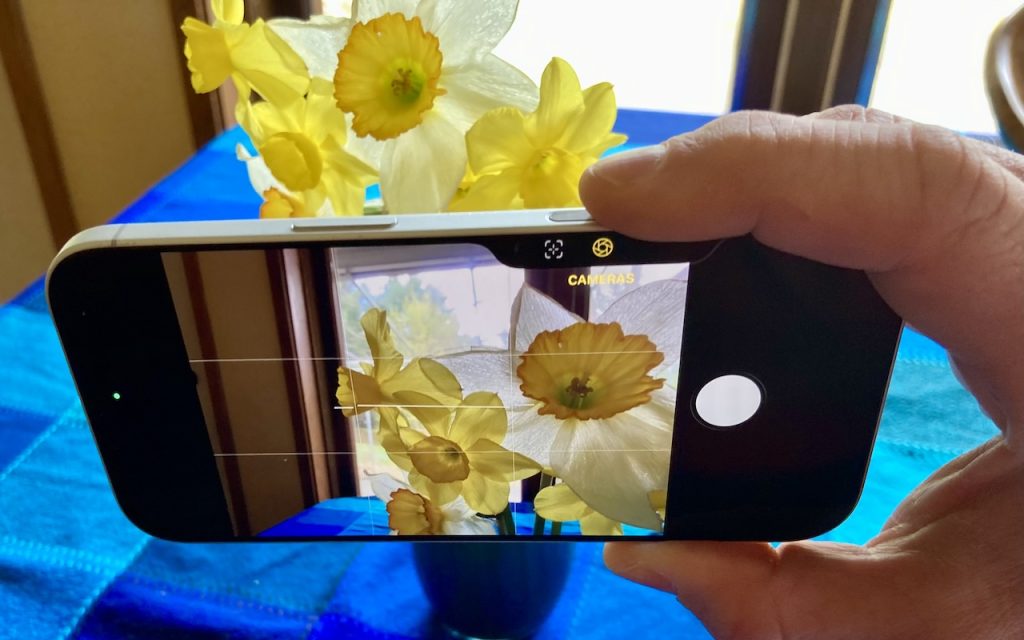
The Camera Control on iPhone 16 and later models lets you open the Camera app and take a photo with the press of a button. But it’s more than just a simple button—it features a touch-sensitive surface that lets you adjust a variety of settings without having to tap the screen. To access the controls, […]
