
How to Merge Two Similar Folders in the Mac’s Finder

You’ve ended up with two folders whose contents—hundreds of files or more—are similar but not identical. Perhaps you’re recovering from a sync failure, or maybe you pulled an old version of the folder from a backup and aren’t sure what’s different. Regardless, here’s how you can merge them in the Finder. Make sure the folders […]
Improve Your Digital Security in 2024 with These New Year’s Resolutions

Happy New Year, and welcome to 2024! For many of us, starting a new year means reflecting on fresh habits we’d like to adopt. Although we support any resolutions you may have made to get enough sleep, eat better, exercise more, and reduce social media usage, allow us suggest a few more that will improve […]
Time Machine Now Offers Daily and Weekly Frequencies

Since its inception, Time Machine has backed up on an hourly schedule. It then keeps hourly backups for the previous 24 hours, daily backups for the last month, and weekly backups back to the start of the backup. Once free space on the backup drive gets low, Time Machine deletes older backups to make room […]
Everything You Need to Know about Taking Screenshots on the Mac
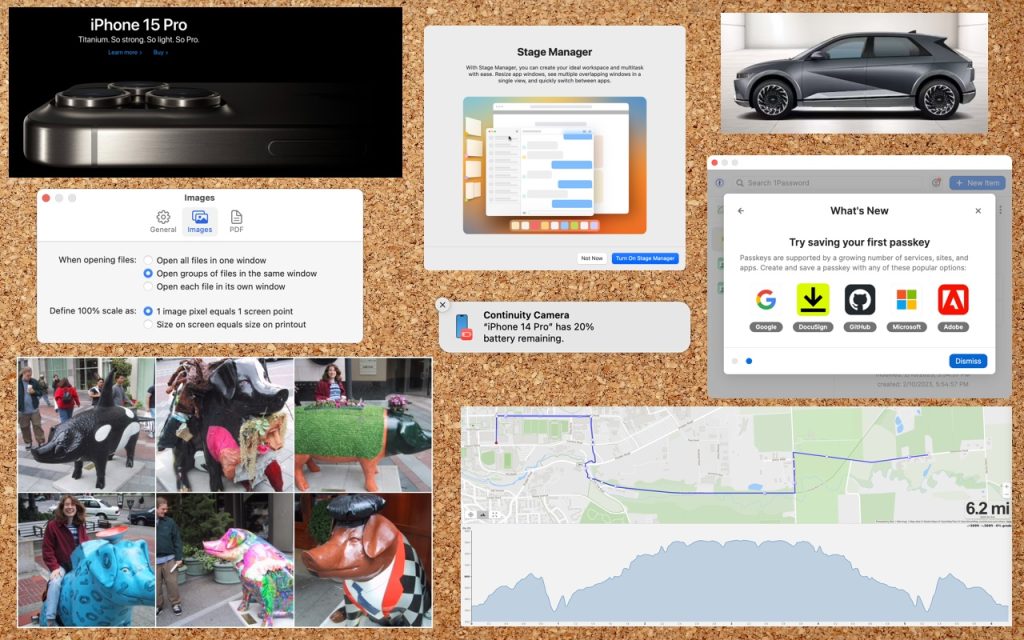
Many people use screenshots to clip portions of their Mac screen for later reference. For example, you could save a screenshot of an error dialog to show tech support, store a confirmation number from a Web page, or keep a chat from social media. You can even record screen movies to show a developer how […]
New Tech Gift? New Year’s Resolutions?

To help yourself make better use of your tech in the new year, do some housekeeping now. Clean out the inbox Whether you get email for personal or business purposes, there is likely more in your inbox than you realize, and no better time to make your inbox more useful than now. Go through all […]
Feel Free to Upgrade to macOS 14 Sonoma When You’re Ready
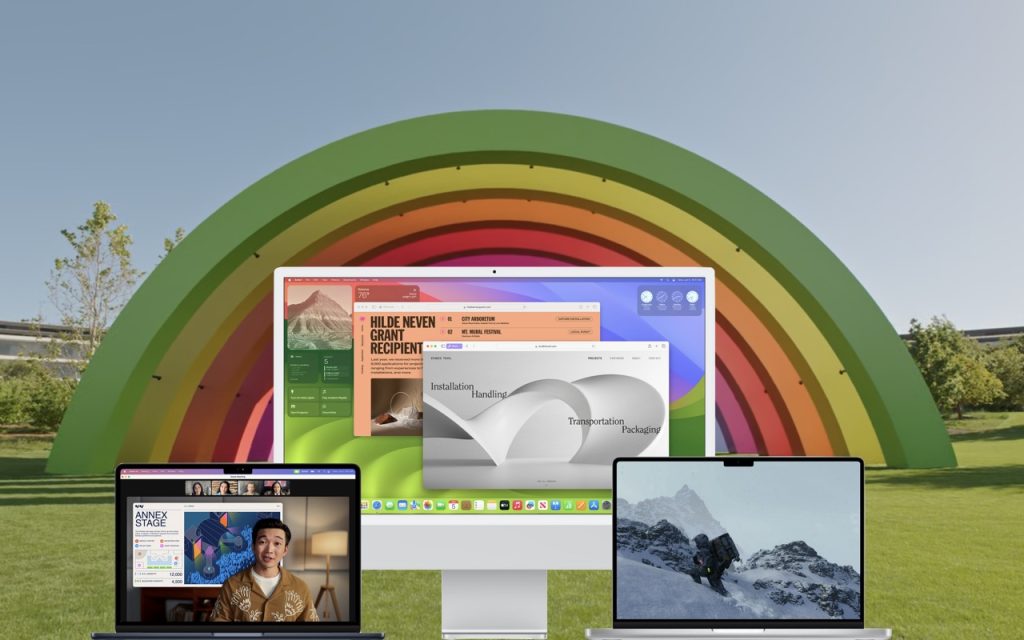
Although we’re cautious about recommending that people upgrade to the latest major release of macOS, we think Apple has done a good enough job with macOS 14 Sonoma that anyone who wants to upgrade can do so now. That doesn’t mean you have to upgrade immediately, but there’s no major reason most people need to […]
Use This Hidden Setting to Stop Triggering Caps Lock Accidentally
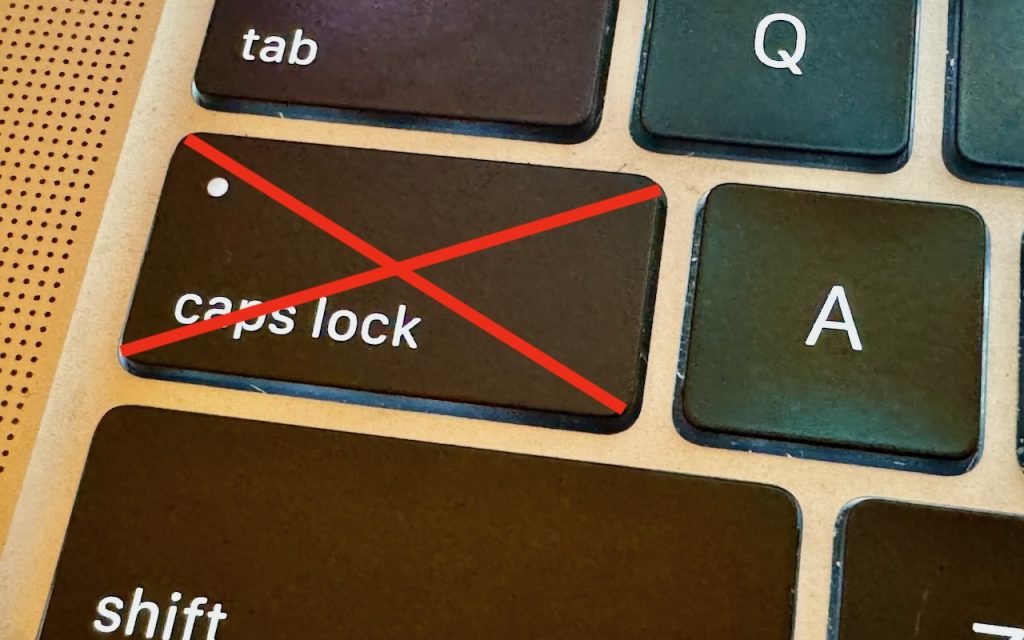
There’s little more annoying than accidentally touching the Caps Lock key while typing and having your text suddenly TURN INTO CAPITAL LETTERS, which we all know is seen as shouting. Unless you have some reason to type in capital letters regularly, you can prevent this mistake by disabling the Caps Lock key or remapping it […]
Nine Ways of Moving Data from One Mac to Another

You have a file on one Mac and want to copy it to another Mac, either yours or someone else’s. Sounds easy, and it is, but the best way to go about it varies widely depending on circumstances, and your go-to method may not be the best choice, depending on the size of the file […]
Locate a Featured Lock Screen Image in Photos
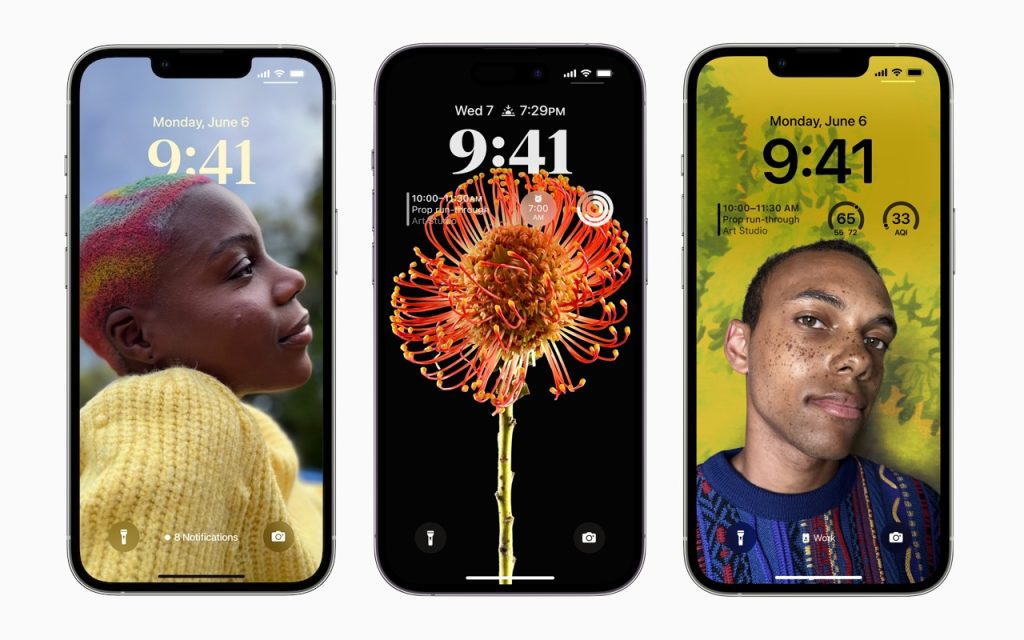
iOS’s Photo Shuffle wallpaper does a great job of identifying attractive photos for your Lock Screen. However, if you’re like us, you’ll sometimes wonder when or where you took a Lock Screen photo. Here’s how to figure that out. Touch and hold the Lock Screen when it’s displaying the photo in question, tap Customize, tap […]
No, NameDrop in iOS 17 Isn’t a Privacy Concern. Here’s How to Use It
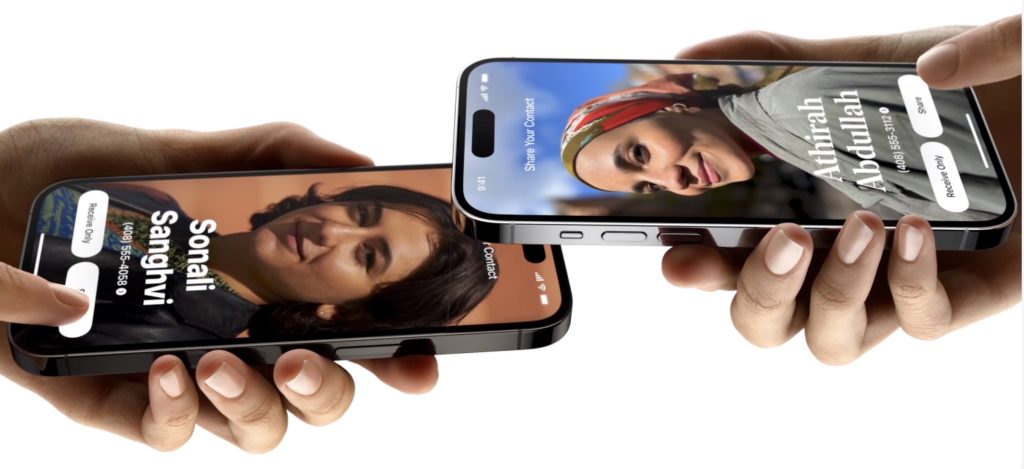
One of the prominent new features in iOS 17.1 and watchOS 10.1 is NameDrop, which makes it easy to exchange contact information with someone merely by putting your iPhone or Apple Watch next to theirs. When you do that, you can share your contact card and receive theirs, or just receive theirs—nothing happens unless you […]
