
Try Swipe Typing with QuickPath on the iPhone
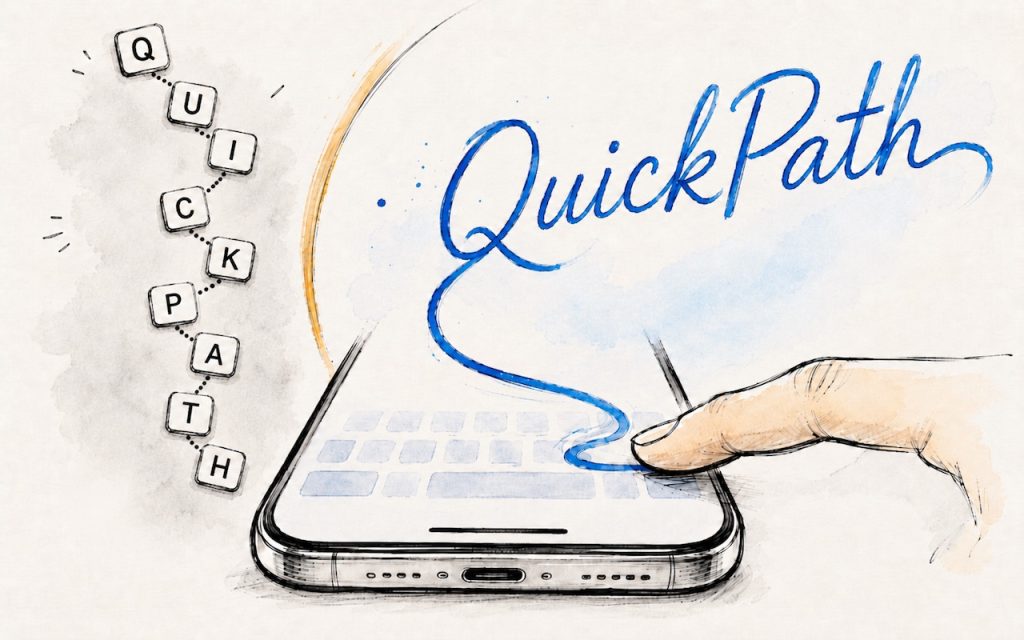
If you’ve had trouble moving from hunt-and-peck typing on the iPhone to the double-thumb typing approach many people prefer, consider QuickPath, better known as swipe typing. QuickPath isn’t new, but many people have never tried it seriously. With swipe typing, you put your finger down on the first letter of the desired word—say “giraffe”—and then […]
Apple Raises Prices on Macs and iPads, but not iPhones or Apple Watches… Yet
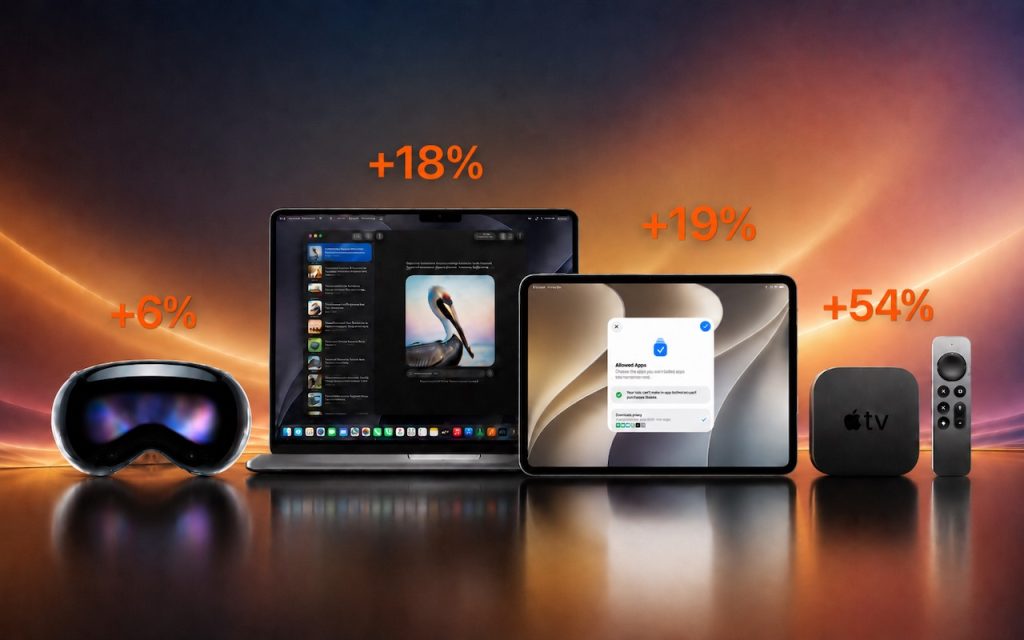
There’s no way to put a positive spin on this: Apple has raised prices across most of its product lineup, with increases averaging 20% on Macs, iPads, HomePods, the Apple TV, and even the Vision Pro. The iPhone and Apple Watch remain unaffected… for now. The price hikes took effect on June 25. In a […]
Drag Documents to Apps in the macOS App Switcher
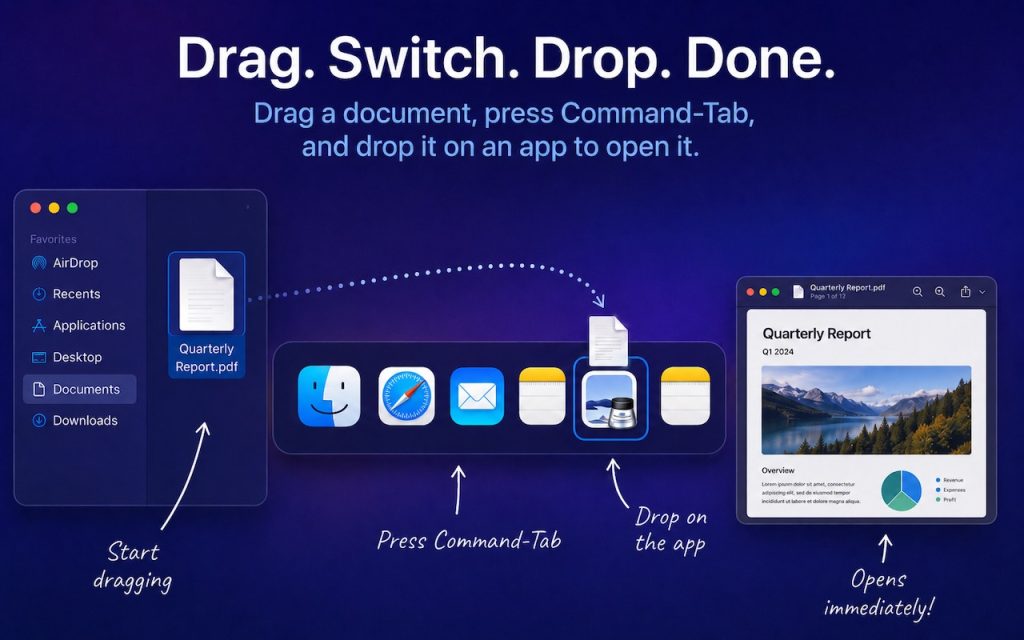
You undoubtedly know about pressing Command-Tab to bring up the macOS App Switcher and mousing to the app you want to switch to. Keyboard jockeys probably even know to keep holding Command down while pressing Tab or right-arrow to cycle to the right (press Shift-Tab, the grave accent/tilde key, or left-arrow to cycle to the […]
How to Share Sensitive Information Securely over the Internet

At some point, most of our communications shifted from analog to digital: letters and phone calls became emails, texts, and video calls. With analog methods, we could generally assume that our private communications would remain private. Few people were going to steam open a letter or wiretap a phone line. The Internet changed that—digital communications, […]
Control Center Is Improved—and Highly Customizable—in macOS 26 Tahoe
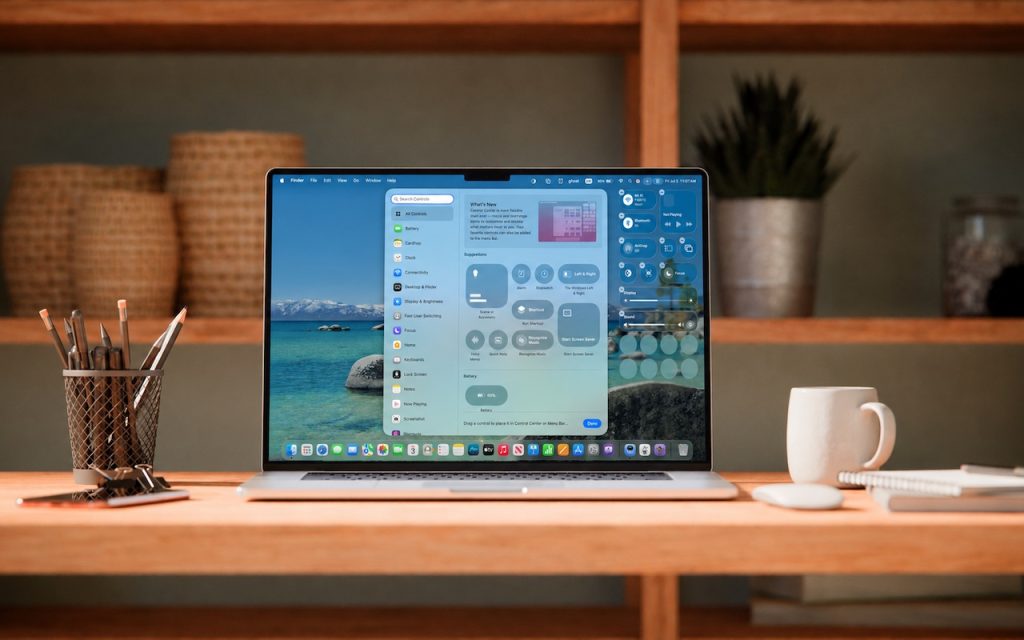
Control Center debuted on the iPhone over a decade ago in iOS 7 and made its way to the Mac in 2020 with macOS 11 Big Sur. However, through macOS 15 Sequoia, Mac users who wanted to tweak Control Center for their needs were limited to turning specific controls on or off. With macOS 26 […]
Never Miss a Meeting Again with In Your Face

If you are often late to or miss meetings because Apple’s notifications are too easy to ignore, we recommend trying the In Your Face app. Available for the Mac, Windows, iPhone, iPad, and Apple Watch, In Your Face displays unmissable full-screen alerts and plays audible alarms for calendar events and timed reminders. Unlike standard notifications […]
Use Fake Contacts to Improve Dictation Accuracy

Apple’s Dictation feature is a great way to avoid slow typing on the iPhone and iPad, and it can be welcome on the Mac as well. But it struggles with proper nouns—it guesses wildly at unfamiliar names and often fails to capitalize common words that are part of a name (so you get “New York […]
When Should You Upgrade Your Apple Devices?
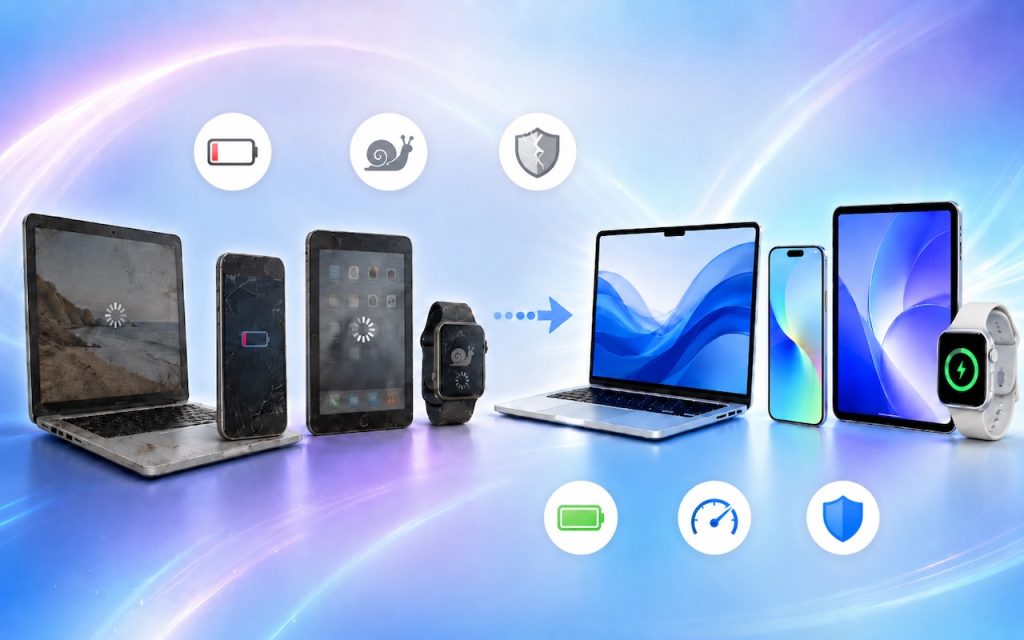
The simple answer to “When should you upgrade?” is when your device no longer does what you need, or when you want something new. But that’s not helpful if you’re trying to make an informed decision—is there a sweet spot when it makes more sense to upgrade rather than squeeze another year out of your […]
Use Your AirPods as a Camera Remote
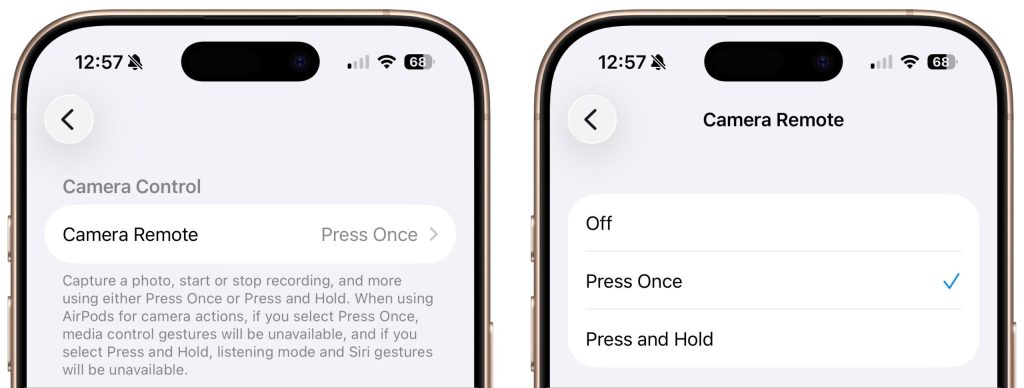
Have you ever wanted to activate the shutter button for your iPhone’s camera—for either a still photo or a video—when you’re not holding it? Selfie sticks often come with Bluetooth buttons that can do that, and starting in iOS 26, you also can use your AirPods 4 or AirPods Pro as a camera remote. While […]
Choosing the Best Mac for a College-Bound Student in 2026
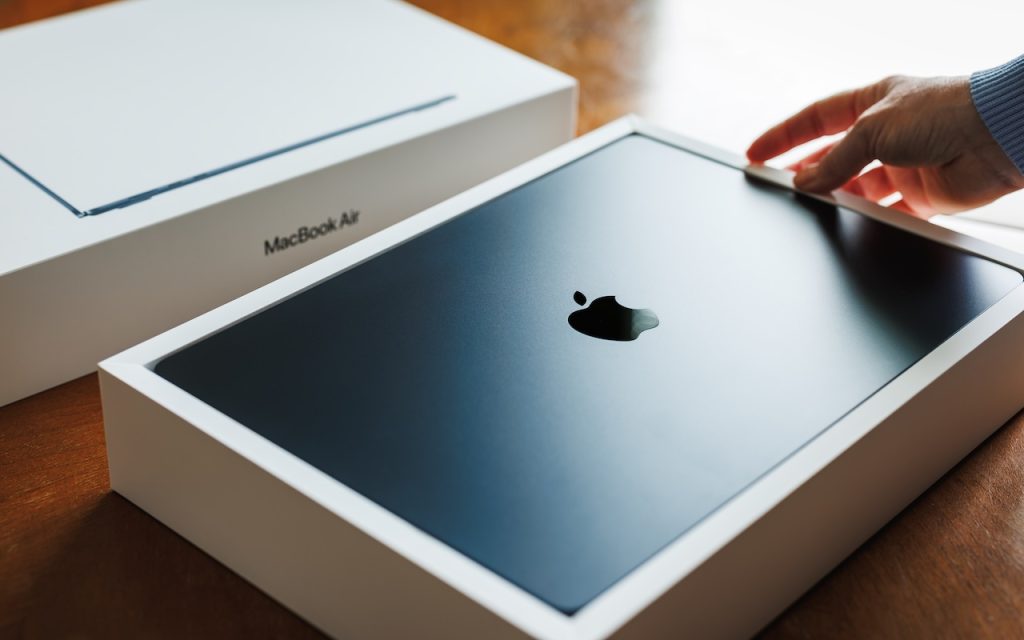
If you have a college-bound student, it’s time to think about whether they need a new Mac. Perhaps their current computer is showing its age, or it was a high school loaner, or it would be better handed down to a younger sibling. Whatever the reason, navigating Apple’s current Mac lineup can feel overwhelming, especially […]
