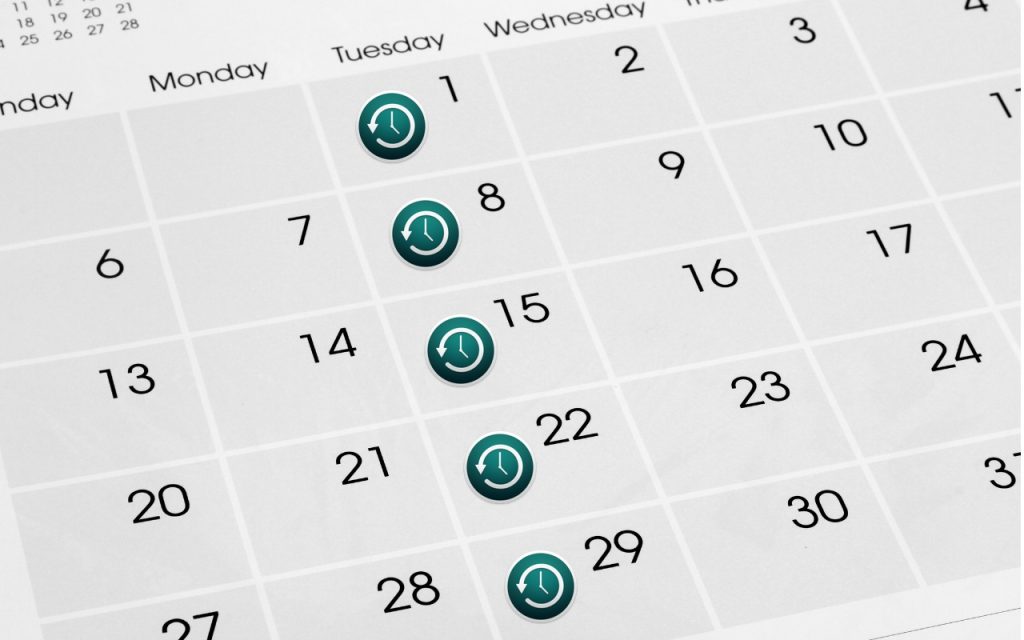
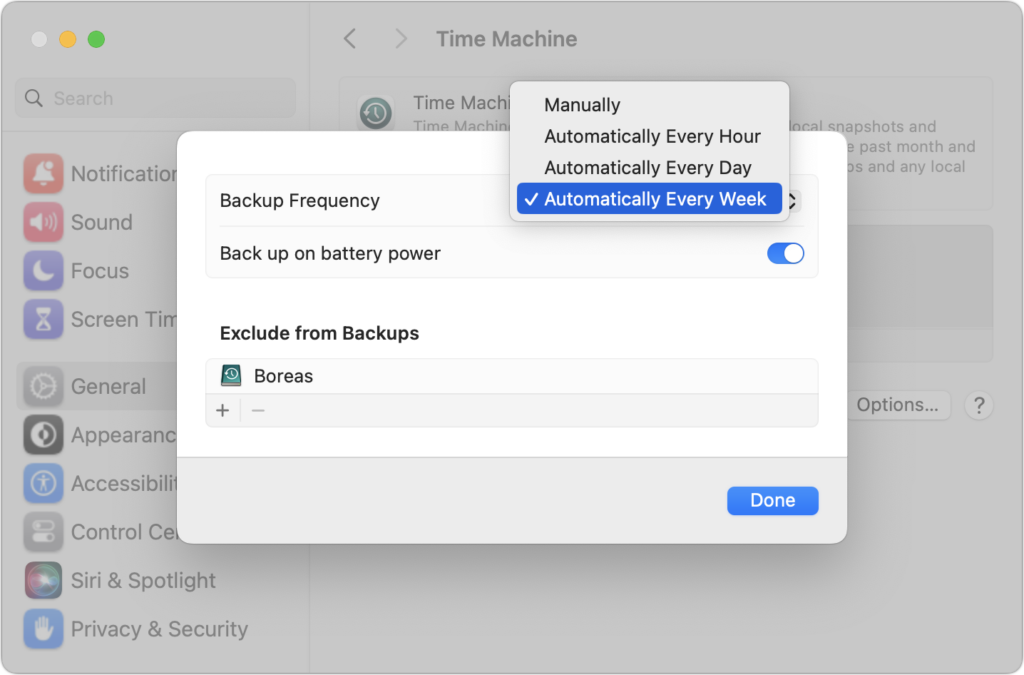
 Since its inception, Time Machine has backed up on an hourly schedule. It then keeps hourly backups for the previous 24 hours, daily backups for the last month, and weekly backups back to the start of the backup. Once free space on the backup drive gets low, Time Machine deletes older backups to make room for new ones, always maintaining at least one copy of every backed-up file. The traditional hourly backups are usually fine, but starting in macOS 13 Ventura, Apple lets you choose a daily or weekly schedule instead. One of those might be useful for Macs that are turned on infrequently or where very little important data changes. It also might reduce resource usage and how much data Time Machine backs up. Most people shouldn’t need to change the backup frequency, but if you’ve always wanted to, now you can.
(Featured image based on an original by iStock.com/STILLFX)
Social Media: Has Time Machine’s hourly backup frequency been problematic for you? Starting in macOS 13 Ventura, you can instead choose a daily or weekly backup schedule.