
It’s Usually OK to Share Full-Size Images in Email and Messages
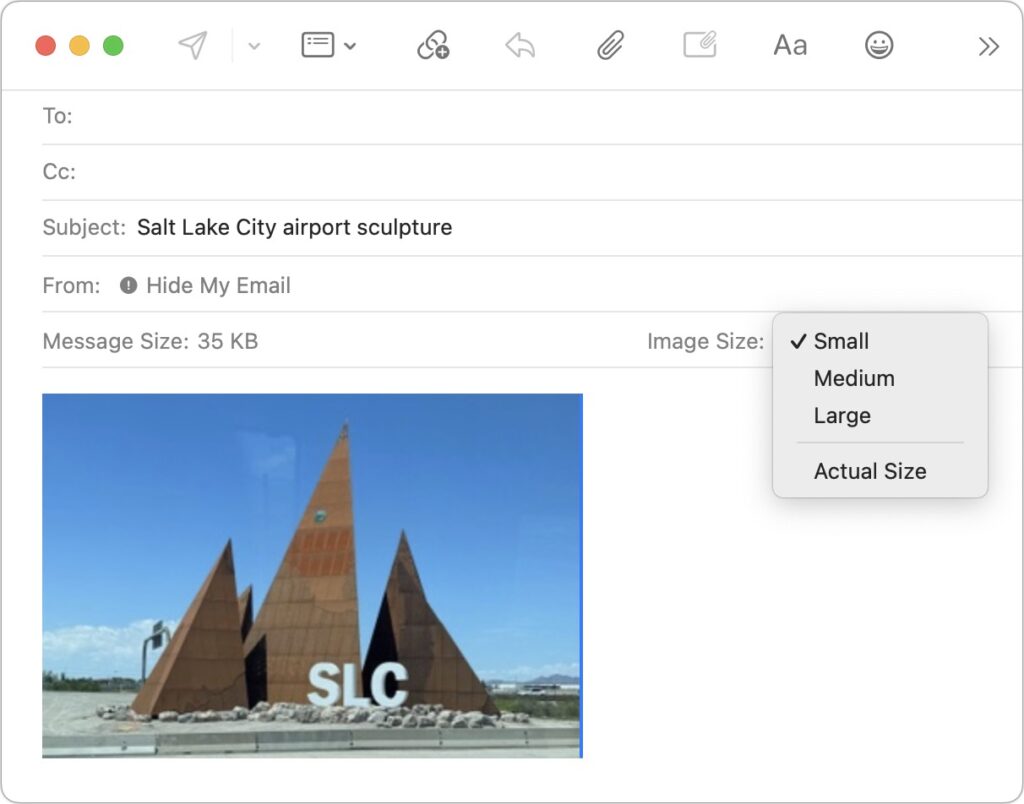
In the early days of the Internet, when most people connected via slow modems, saving bandwidth was a big deal. You could watch images load on Web pages, and you’d have to wait to download a large email attachment before the rest of your email would appear. For most people, in most situations, bandwidth isn’t […]
How to Copy an App Icon on the Mac
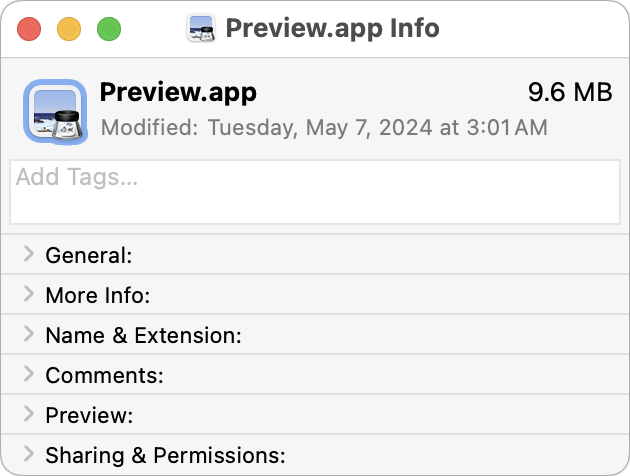
Let’s say you’re writing documentation to help colleagues use Preview to edit images, sign PDFs, and convert graphics. (A worthy task for which they will thank you!) For this documentation, you want to include the Preview app’s icon so they know what to look for in the Applications folder and Dock. To copy a high-resolution […]
Everything You Need to Know about Taking Screenshots on the Mac
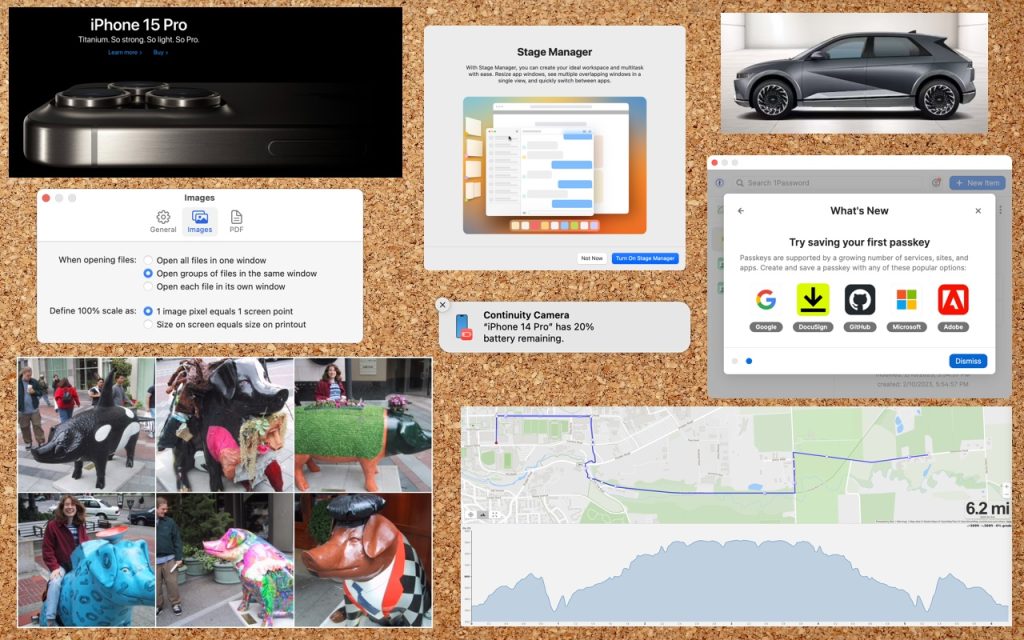
Many people use screenshots to clip portions of their Mac screen for later reference. For example, you could save a screenshot of an error dialog to show tech support, store a confirmation number from a Web page, or keep a chat from social media. You can even record screen movies to show a developer how […]
Lift Objects from Photos on the iPhone
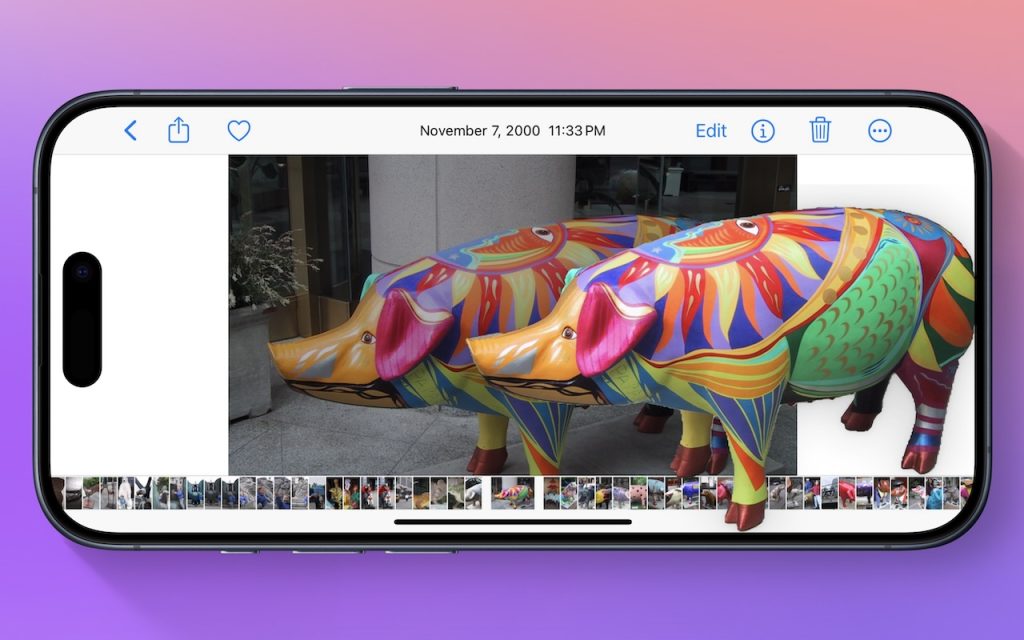
Have you ever wanted to extract an object from a photo for use in another context? Starting with iOS 16 on a relatively recent iPhone, you can do that with many photos. In the Photos app, touch and hold the object, and if Photos can extract it, you’ll see a highlight run around its edges. […]
Four Solutions to Gotchas in macOS 14 Sonoma

We’re seeing an increasing number of people switching to macOS 14 Sonoma, and for the most part, things are going well. However, Apple introduced some new features—and turned them on by default—that are causing some consternation. If you’ve switched to Sonoma or are planning to soon, here are four features you might want to know […]
Want to Password-Protect a PDF? Follow These Best Practices
We periodically field questions about password-protecting a PDF to prevent the wrong people from reading it. Lawyers want to ensure that drafts of legal documents don’t fall into the wrong hands, financial advisers want to keep confidential financial information private, and authors want to prevent their writing from being shared broadly on the Internet. Others […]
Is Your Mac Running Low on Disk Space? Here’s How to Delete Unnecessary Files
Between apps, photos, videos, music, and downloads, it’s easy to fill up your Mac’s drive, particularly one with just 128 or 256 GB of drive space. macOS warns you when you get too low on space, but those warnings may come late—for optimum Mac performance, we recommend you keep at least 10–20% of your drive […]
Erase Image Content in Preview with Copied Color Blocks
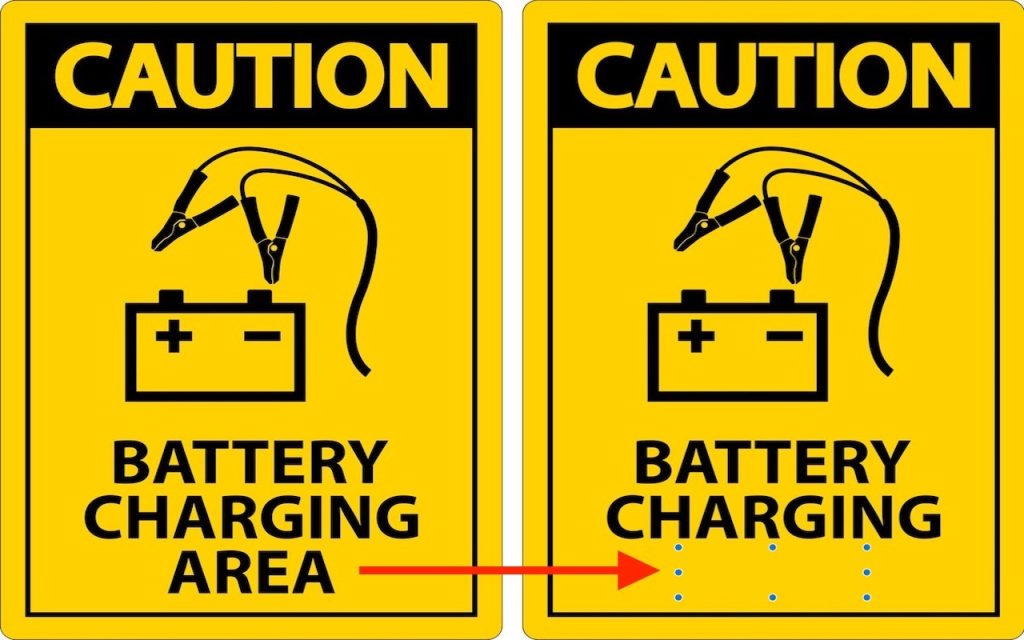
Apple’s Preview is a surprisingly capable graphics editor for making quick changes to screenshots and other illustrations, but it lacks a built-in way to delete content while leaving the background. Here’s the workaround—select a rectangle of the background color, copy it, paste it, and then move it over the undesirable content—as shown in the After […]
