
Make Apple Devices Easier for Family to Access with Secondary Biometrics
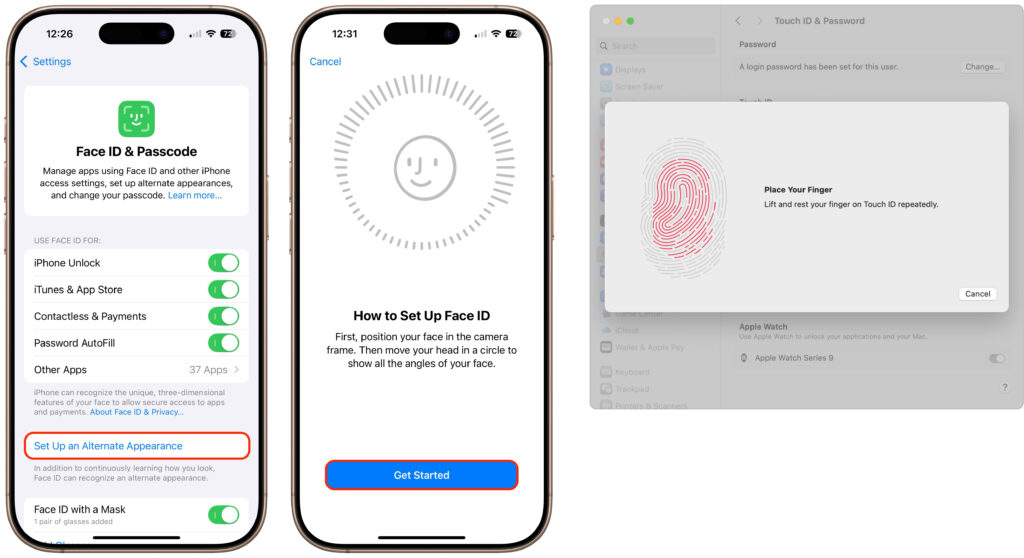
It’s only safe to share your iPhone, iPad, and Mac passcodes and passwords with people you trust completely, which typically includes family members whom you would trust with your healthcare and bank accounts. If those people also use your devices regularly, you can simplify their access by adding their fingerprint to Touch ID or their […]
At WWDC 2025, Apple Unveils Liquid Glass and Previews New OS Features

Apple’s Worldwide Developer Conference keynote was a lightning-fast 92-minute tour of Apple’s vision for how we’ll use its products in the next year. Apple wove two themes through the presentation: the new Liquid Glass design language will provide a consistent look and feel across all its platforms, and Apple Intelligence-powered features will continue to appear […]
Did You Know You Can Rename Many Bluetooth Devices?

All Bluetooth devices come with a name, but those names are often difficult to decipher, such as ATUMTEK, DX01Gu, and MY-CAR, making it hard to remember which is which in your iPhone’s Bluetooth settings. What you may not realize is that you can rename many Bluetooth devices to tidy up that list. Go to Settings […]
Why Passkeys Are Better than Passwords (And How to Use Them)
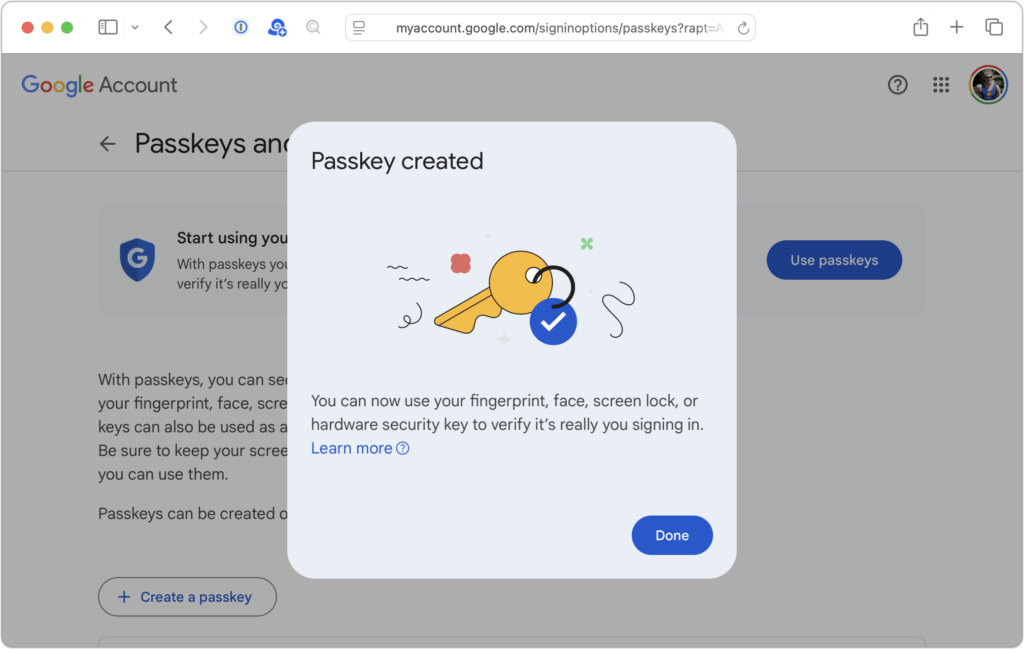
No one likes passwords. Users find managing them annoying, and website managers worry about login credentials being stolen in a data breach. The industry has developed a better solution: passkeys. Passwords versus Passkeys Traditional multi-factor authentication involves three methods of authentication, at least two of which are required for protection. They include something you know […]
Use AirPlay to Mirror or Extend Your Mac’s Display

Apple’s AirPlay is one of those low-level technologies that’s more capable than many people realize. In addition to allowing you to stream video and audio from an iPhone, iPad, or Mac to an Apple TV connected to a large-screen TV, AirPlay also enables you to use that TV as an external Mac display, either mirroring […]
Make Sure to Check Settings on Multiple Devices
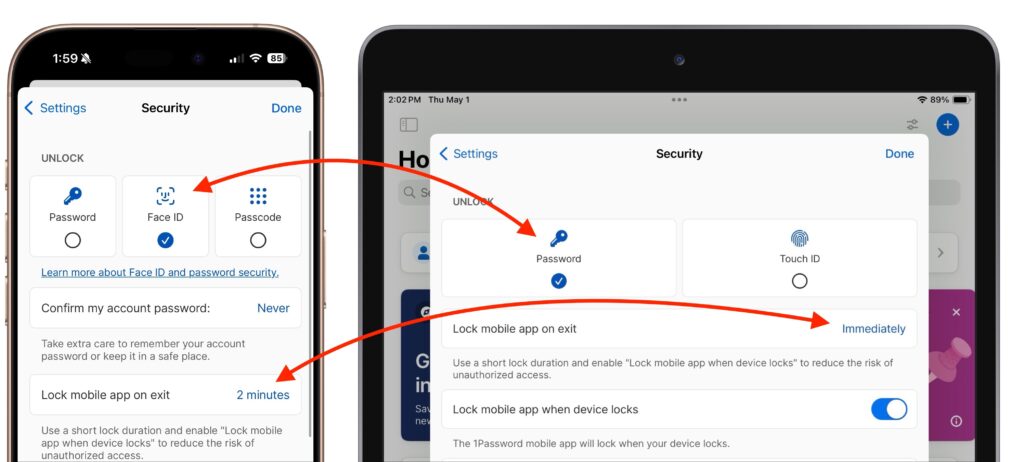
We recently helped someone having trouble with 1Password requesting their password repeatedly on their iPad, but not on their iPhone. Since 1Password’s data syncs between devices, this person didn’t realize they needed to configure the app’s security settings separately for each device. It’s appropriate for 1Password to separate security settings—one device could be used in […]
Share Wi-Fi Network Passwords Using QR Codes

A neat feature built into iOS, iPadOS, and macOS is that when you are connected to a Wi-Fi network, your devices will offer to share the Wi-Fi password if others near you try to connect to the same network. However, for this feature to work, they must be in your Contacts, and at times, it […]
How to Train Yourself to Use the iPhone 16’s New Camera Control Button

If you are accustomed to opening the Camera app on your iPhone by tapping its Home Screen app icon or Lock Screen widget icon, you may find it challenging to remember to use the new Camera Control button on the side of an iPhone 16. That button is a big win for easy access to […]
What You Need to Know Before Switching to a New iPhone
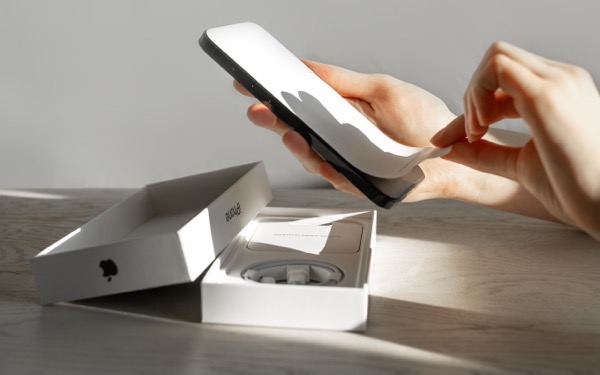
Are you planning to upgrade to a new iPhone 16? It’s exciting, we know, but it’s best to proceed deliberately when setting up your new iPhone to avoid causing yourself headaches. Follow these instructions when you’re ready to transfer your data—and, for many people, much of your digital life—to the new iPhone. Apple also has […]
Five Quick Tips to Ease iPhone and iPad Text Editing and Amaze Your Friends
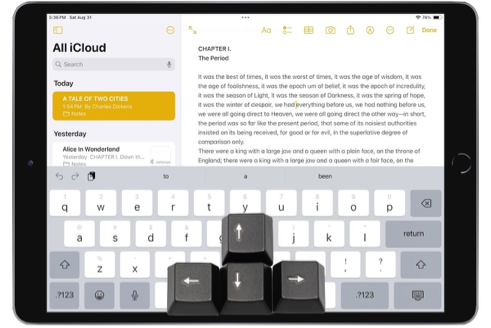
A friend recently expressed astonishment when she saw us using trackpad mode while editing text on an iPhone. (It works on the iPad, too!) So, even if you already know these tips, do your friends a favor and show them: Tap once to position the insertion point at the start or end of a word. […]