
Stay Safe in 2026 with These New Year’s Resolutions
We’re approaching the end of 2025, so we encourage you to consider your New Year’s resolutions. For many people, the new year offers an opportunity to reflect on habits we’d like to adopt or solidify. Although we support reducing social media use and making other positive lifestyle changes, we’d like to suggest a few additional […]
Five Ways to Protect Against Forgetting Your Apple Account Password

One of the big wins of using a password manager is that you don’t need to remember or enter most passwords—the app does that for you. Even those passwords that must be entered manually can be looked up if you forget them. However, people who don’t use password managers regularly forget passwords and have to […]
Don’t Miss Calls and Texts: How to Use New Phone and Messages Filtering
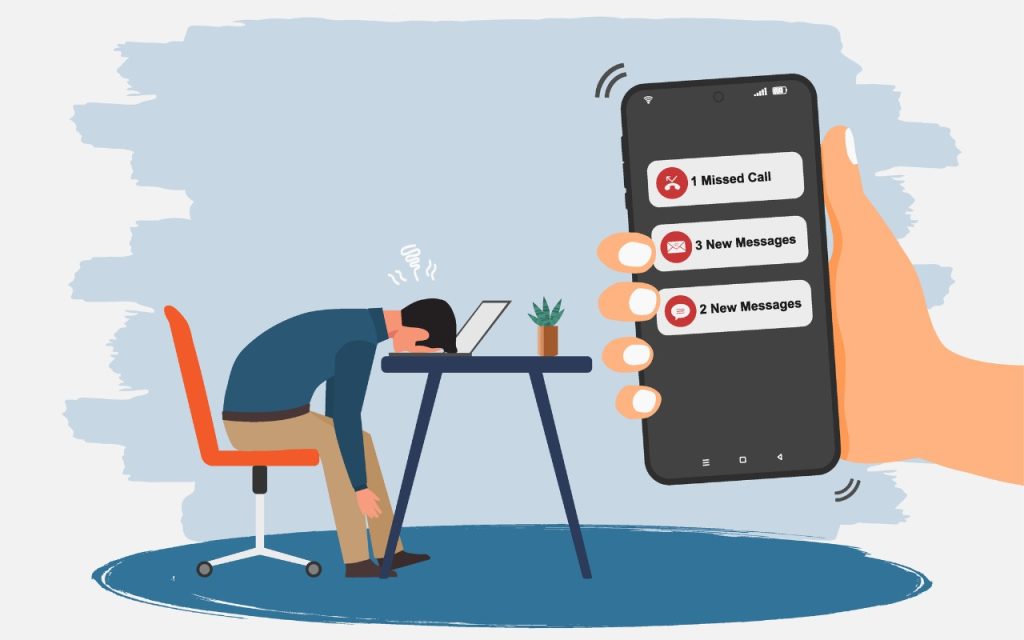
Spam is one of the many banes of modern existence. While we receive more email spam than anything else, interruptions from unwanted phone calls and text messages are even more annoying. Apple has added various features over the years to help control spam calls and messages, but none have completely solved the problem. The problem […]
A Few of Our Favorite Things: 2025 Tech Edition
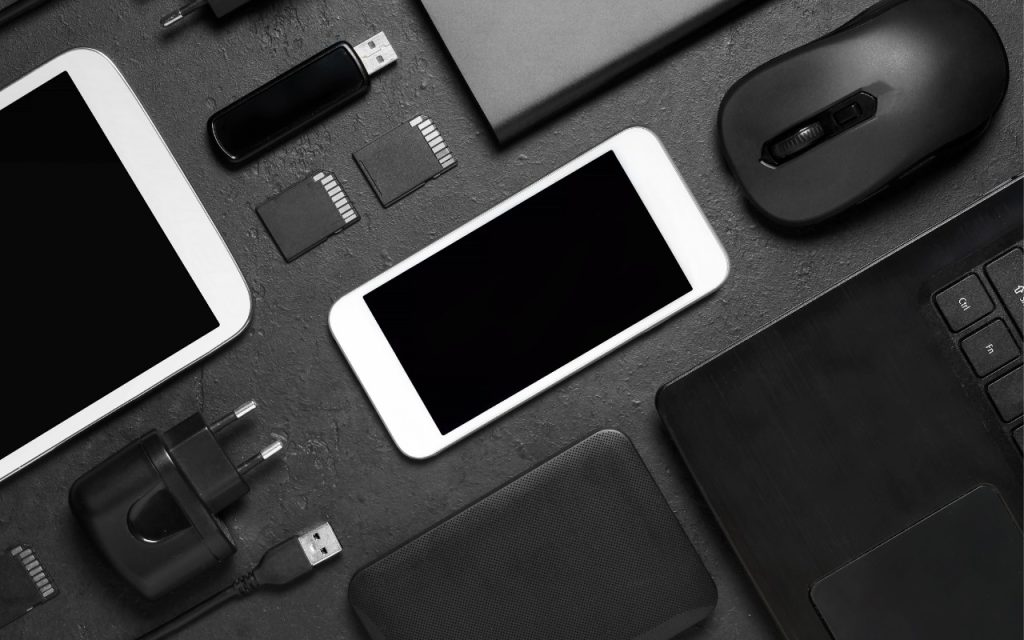
The holidays may be just around the corner, but we field requests for tech gear recommendations year-round. Below you’ll find our suggestions, whether you’re shopping for an Apple tech enthusiast or simply looking to upgrade your own devices and accessories. Plenty of other excellent options exist—we’d love to hear about the peripherals that have worked […]
iPadOS 26 Brings Mac-Like Multitasking to the iPad
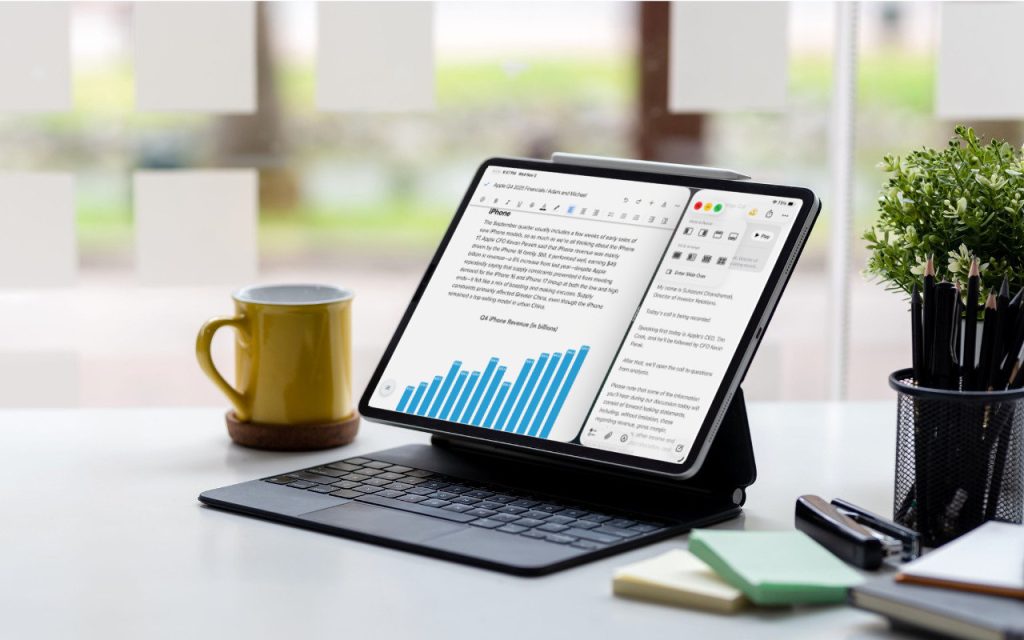
When the iPad debuted, it was essentially a large iPhone. But classic productivity tools rapidly made their way to the iPad, and over the years, Apple has introduced multitasking features, such as Slide Over and Split View, to make it easier to work back-and-forth between apps—imagine writing in Pages while referring to a Web page, […]
Ten Useful New Features in iOS 26’s Phone App
Although it’s easy to joke about how little we use our iPhones for actual phone calls, telephony remains a core feature that everyone depends on to some degree. In iOS 26, Apple put significant effort into improving the phone experience, delivering the most notable upgrade to the Phone app in years. Here’s what you’ll find. […]
What’s Liquid Glass, and What to Do If You Don’t Like It
If you’ve been following Apple’s recent product releases, you’ve probably heard the term “Liquid Glass.” That’s what Apple calls its newest design language, a combination of an aesthetic look and functional philosophy for the user interface in iOS 26, iPadOS 26, and macOS 26 Tahoe, in particular, but also in watchOS 26, visionOS 26, and […]
How to Customize the iPhone and iPad Home Screen with Liquid Glass
When describing its new Liquid Glass design language, Apple spoke only generally about how users could change the look of icons and widgets on their iPhone and iPad home screens to be dark, clear, or tinted, without specifying how to do that. The trick is to touch and hold an empty spot on the Home […]
Make the Most of Visual Intelligence on the iPhone
The “visual intelligence” aspect of Apple Intelligence leverages the artificial intelligence capabilities of your iPhone to make what you see through the iPhone’s camera or on its screen interactive and actionable in ways that weren’t previously possible. It’s one of the most useful aspects of Apple Intelligence. Triggering Visual Intelligence We offer numerous examples of […]
Apple Unveils New iPhone 17 Lineup, Updated Apple Watches, and AirPods Pro 3
In the tech world, September brings the fruits of Apple’s harvest: new iPhones, Apple Watches, and AirPods. At its recent Awe Dropping event, Apple introduced the new iPhone 17 lineup, the ultra-thin iPhone Air, the Apple Watch SE 3, Apple Watch Series 11, Apple Watch Ultra 3, and the AirPods Pro 3. These are updates […]
