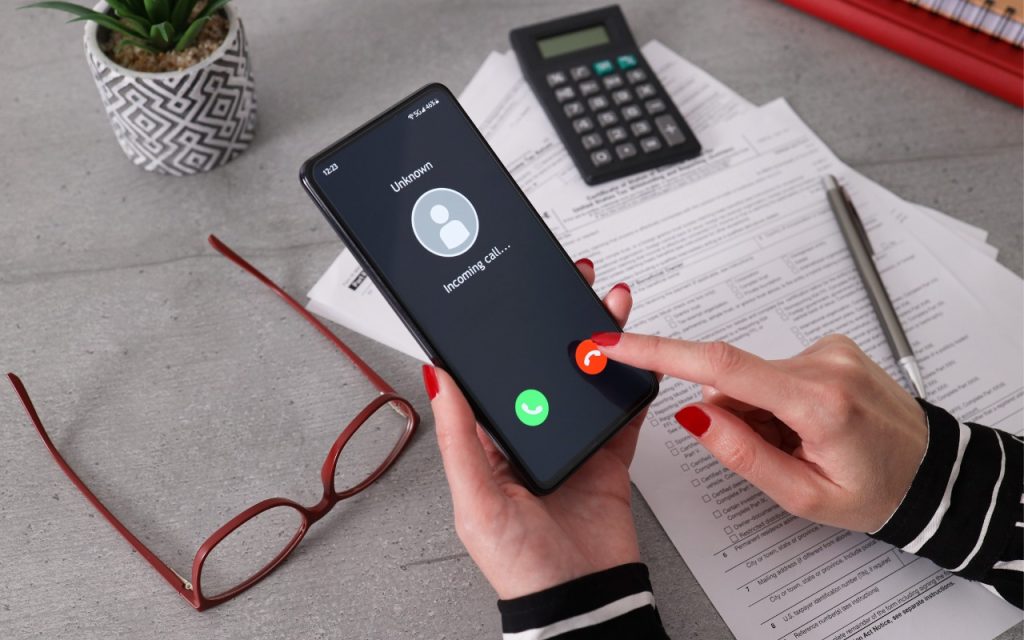
 All it took for MGM Resorts International to be compromised with ransomware was a quick phone call, which some now call “voice phishing” or “vishing.” An attacker using LinkedIn information to pose as an employee asked MGM’s help desk for a password change, after which they were able to install ransomware. MGM is now up to $52 million in lost revenues and counting. Two takeaways. First, if you call support for a manual password reset, expect to be asked for a lot of verification, such as a video call where you show your driver’s license. Second, if you receive a call at work from an unknown person asking you to do anything involving money or account credentials, hang up, verify their identity and authorization, and proceed accordingly only if they check out.
(Images by iStock.com/1550539 and HT Ganzo)
Social Media: Phishing isn’t limited to email and texts anymore—“voice phishing” or “vishing” was used recently in a major ransomware attack on MGM Resorts. The rise in such attacks means that requests over the phone will need much more verification.