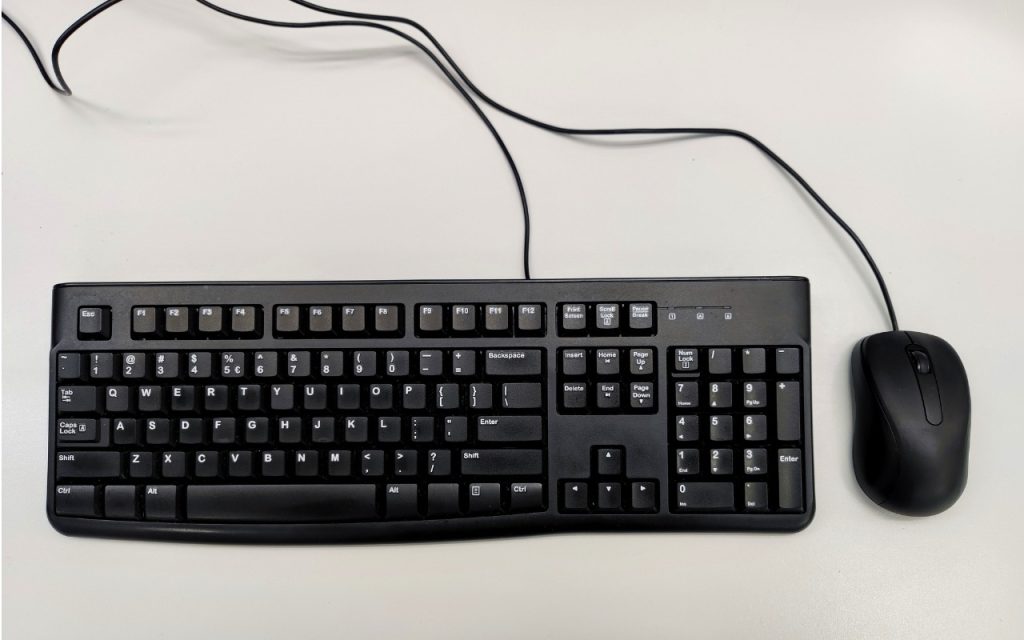
 Steve Jobs famously railed against cable clutter, and it’s now easy to use a desktop Mac with a wireless keyboard and mouse, either from Apple or another manufacturer. That’s fine for regular usage, but Bluetooth keyboards and mice aren’t always sufficient. Batteries wear out, pairing can fail, and wireless interference can cause lags or spurious inputs. Plus, if you need to boot into macOS Recovery, wireless input devices may not work. We recommend keeping an extra USB keyboard and mouse—preferably from Apple, but any brand will work—to use in case you have problems with your wireless versions. If you don’t have a keyboard and mouse left over from an old Mac, a friend or family member may be happy to give you theirs, or you can probably find them for next to nothing at a local reuse store.
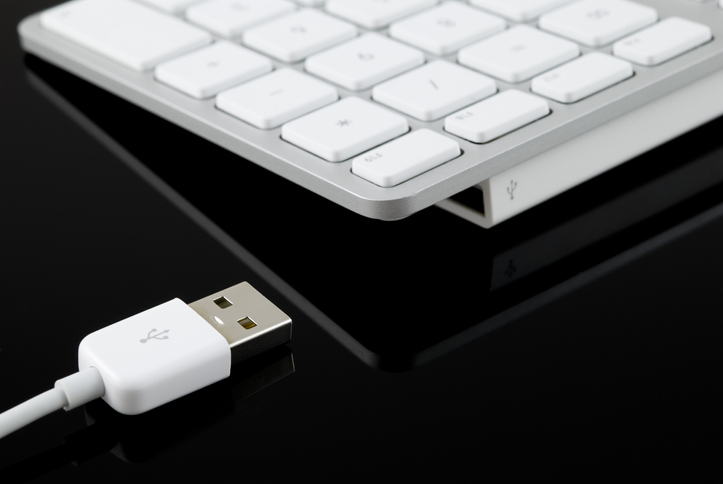
(Images by iStock.com/Jeffrey Glas and RafalStachura)
Social Media: The minimalist approach with a wireless keyboard and mouse is good most of the time, but if things go wrong, it can be handy to have a wired USB keyboard and mouse available for troubleshooting.