
How to Encourage Successful AI Use in Your Organization

The AI hype train continues to gain momentum, with breathless reports of rapid user growth, billion-dollar deals, and sky-high company valuations. At the same time, it’s easy to highlight AI pilot failures, problematic uses, and worries about job losses. As always, reality lies between the extremes. AI is just another technological tool, like spreadsheets, email, […]
Upgrade to macOS 26 Tahoe When You’re Ready

Apple has now sufficiently refined macOS 26 Tahoe to make an upgrade worthwhile for interested users. You don’t need to upgrade immediately, but there are no strong reasons for most people to delay further. Unlike last year, when Apple was releasing new Apple Intelligence features with each macOS 15 Sequoia update, the company launched nearly […]
Stay Safe in 2026 with These New Year’s Resolutions

We’re approaching the end of 2025, so we encourage you to consider your New Year’s resolutions. For many people, the new year offers an opportunity to reflect on habits we’d like to adopt or solidify. Although we support reducing social media use and making other positive lifestyle changes, we’d like to suggest a few additional […]
Spotlight Gets Brighter in macOS 26 Tahoe

Spotlight has been a staple on macOS for decades, and at various points in its history, Apple has added new search capabilities. However, the revamp that Spotlight enjoyed in macOS 26 Tahoe is the most significant change in a long time. Here are the new features you’ll experience in Tahoe. Filterable Interface Apple has refocused […]
Automate Your Mac with Folder Action Scripts

Do you repeatedly find yourself wanting to do something in the Finder with every file of a certain type? Perhaps you regularly download files from a particular website that come in with a .txt extension, even though they’re CSV files that should have a .csv extension? Or maybe you want to rename files according to […]
Five Ways to Protect Against Forgetting Your Apple Account Password

One of the big wins of using a password manager is that you don’t need to remember or enter most passwords—the app does that for you. Even those passwords that must be entered manually can be looked up if you forget them. However, people who don’t use password managers regularly forget passwords and have to […]
Don’t Miss Calls and Texts: How to Use New Phone and Messages Filtering

Spam is one of the many banes of modern existence. While we receive more email spam than anything else, interruptions from unwanted phone calls and text messages are even more annoying. Apple has added various features over the years to help control spam calls and messages, but none have completely solved the problem. The problem […]
A Few of Our Favorite Things: 2025 Tech Edition

The holidays may be just around the corner, but we field requests for tech gear recommendations year-round. Below you’ll find our suggestions, whether you’re shopping for an Apple tech enthusiast or simply looking to upgrade your own devices and accessories. Plenty of other excellent options exist—we’d love to hear about the peripherals that have worked […]
20 Seconds to Help You Avoid Scams

Protecting us from cyber fraud goes beyond just security awareness training, but training is a crucial part of the solution, and repetition is key. How else can we effectively defend against the cyber threats that are responsible for 70-90% of all successful data breaches, especially after bypassing every technical cybersecurity defense? At some point, a […]
iPadOS 26 Brings Mac-Like Multitasking to the iPad
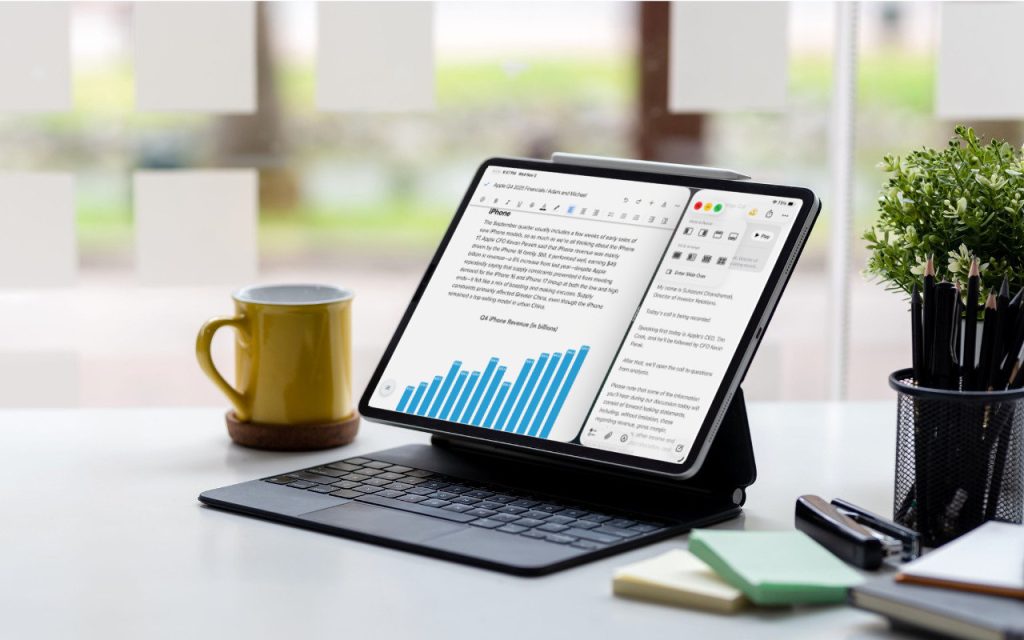
When the iPad debuted, it was essentially a large iPhone. But classic productivity tools rapidly made their way to the iPad, and over the years, Apple has introduced multitasking features, such as Slide Over and Split View, to make it easier to work back-and-forth between apps—imagine writing in Pages while referring to a Web page, […]
