
Use iOS 17.3’s Stolen Device Protection to Reduce Harm from iPhone Passcode Thefts

Last year, a series of articles by Wall Street Journal reporters Joanna Stern and Nicole Nguyen highlighted a troubling form of crime targeting iPhone users. A thief would discover the victim’s iPhone passcode, swipe the iPhone, and run. With just the passcode, the thief could quickly change the victim’s Apple ID password, lock them out […]
Too Many Windows Open? Close Them All Quickly with These Tricks

Have you ever selected a bunch of files and accidentally opened them all by double-clicking one? Or perhaps inadvertently pressed Command-I to get info, ending up with oodles of open Info windows? Here’s a quick way to recover. You can close all the windows in any well-written app with judicious use of the Option key. […]
How to Search Directly in Your Favorite Websites from Safari’s Search Bar

We’re all accustomed to searching the Web generally in Safari by typing in the search field and pressing Return or tapping Go. Most of us are also familiar with the search suggestions that Safari shows below the search field as we type. But did you know that Safari has a feature that lets you use […]
Annoyed by Inline Predictive Text Suggestions? Here’s How to Turn Them Off

In a slight nod to the hype surrounding generative AI, Apple added inline text prediction capabilities to the iPhone, iPad, and Mac. They can be helpful, particularly on the iPhone and iPad, where it’s often much easier to tap the Space bar than to finish typing a word or sentence. But that’s less true on […]
Help! My Account Has Been Hacked—What Should I Do?

How would you realize that one or more of your Internet accounts—email, social media, financial—have been hacked? (Some prefer the terms “compromised” or “breached”—you may hear them from support techs.) Unfortunately, there’s no telltale warning sign because “hacked” could mean any number of things. Here are some possible indications: People you trust report receiving email […]
Use StandBy to Make Your iPhone into a Clock, Photo Frame, and More

iOS 17 brings a new mode for the iPhone: StandBy. All you have to do is connect your iPhone to a charger wirelessly or with a cable, position it on its side in landscape orientation, and press the side button to lock the screen. Standby works best with a MagSafe charging stand. Swipe left or […]
Happy 40th Anniversary Macintosh!

January 24th marks the 40th anniversary of Steve Jobs’s unveiling of Macintosh, the first successful computer with a graphical user interface. We should not look at it as just a new device for Apple, it was a giant change for all of the computer industry. At this point, personal computers started to overtake existing computers […]
Turn Your Most-Used Sites into Safari Web Apps in macOS 14 Sonoma
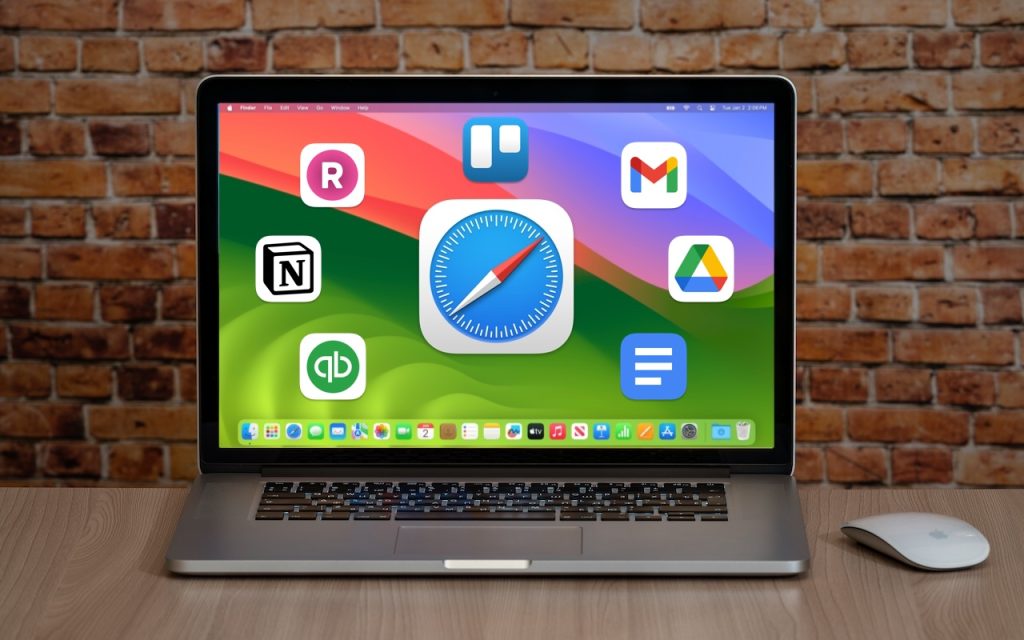
The concept of site-specific browsers has been around for a long time, but in the version of Safari that comes with macOS 14 Sonoma, Apple brought it to the big time by making setup easier than ever. Put simply, a site-specific browser is a Mac app that encapsulates a single Web app or site. The […]
Keep Your Contacts Current by Adding Siri-Suggested Content
Remembering to update your contacts with new email addresses, phone numbers, and postal addresses can be hard. But if you’ve received that information in Mail or Messages, Siri’s data detection capabilities can help. Open Contacts on the Mac and press the Down arrow to cycle through your contacts. When you see one with information in […]
Concerned by the Privacy or Results of Google Search? Try These Other Search Engines

Google is big. Google Search generated $225 billion in revenue in 2022, thanks in part to being the default search engine on all Apple devices. To retain that position—and continue to reap the ad revenue that it generates—Google pays Apple about $18 billion every year. Along with Apple, Google pays billions to phone manufacturers like […]
