
Share Your Location Temporarily While Traveling
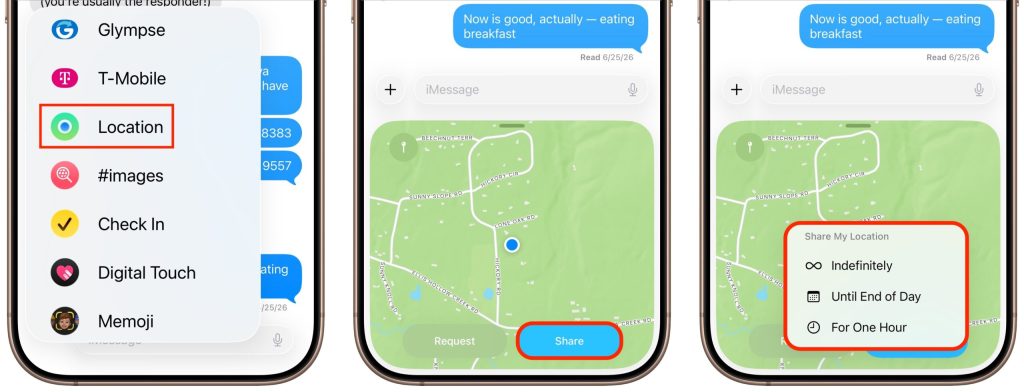
The next time you’re flying, driving, or biking to visit an iPhone-using friend or relative, try sharing your location temporarily so they can check in on your progress without constant “where are you now?” texts. In iOS 17 and later, open a Messages conversation with that person, tap the ⊕ button to the left of […]
Apple Raises Prices on Macs and iPads, but not iPhones or Apple Watches… Yet
There’s no way to put a positive spin on this: Apple has raised prices across most of its product lineup, with increases averaging 20% on Macs, iPads, HomePods, the Apple TV, and even the Vision Pro. The iPhone and Apple Watch remain unaffected… for now. The price hikes took effect on June 25. In a […]
Drag Documents to Apps in the macOS App Switcher

You undoubtedly know about pressing Command-Tab to bring up the macOS App Switcher and mousing to the app you want to switch to. Keyboard jockeys probably even know to keep holding Command down while pressing Tab or right-arrow to cycle to the right (press Shift-Tab, the grave accent/tilde key, or left-arrow to cycle to the […]
How to Share Sensitive Information Securely over the Internet
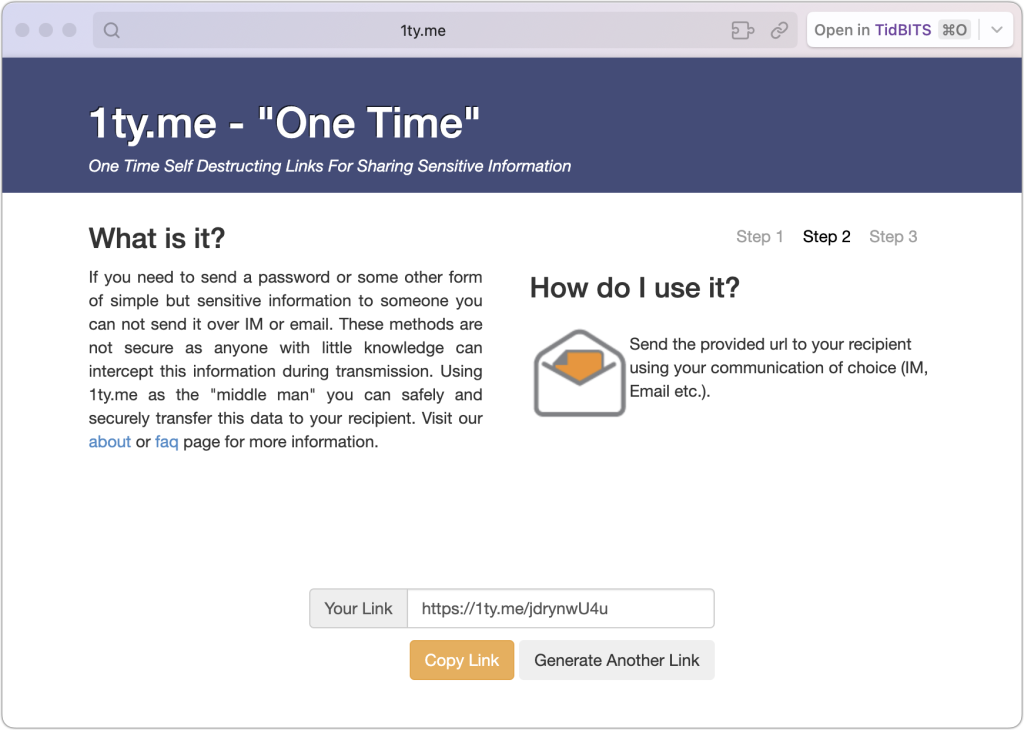
At some point, most of our communications shifted from analog to digital: letters and phone calls became emails, texts, and video calls. With analog methods, we could generally assume that our private communications would remain private. Few people were going to steam open a letter or wiretap a phone line. The Internet changed that—digital communications, […]
Control Center Is Improved—and Highly Customizable—in macOS 26 Tahoe

Control Center debuted on the iPhone over a decade ago in iOS 7 and made its way to the Mac in 2020 with macOS 11 Big Sur. However, through macOS 15 Sequoia, Mac users who wanted to tweak Control Center for their needs were limited to turning specific controls on or off. With macOS 26 […]
Never Miss a Meeting Again with In Your Face
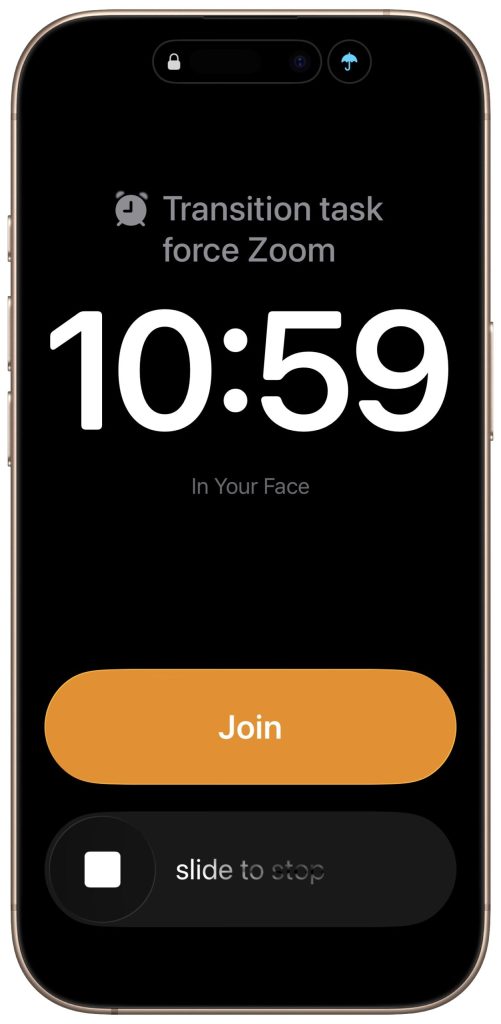
If you are often late to or miss meetings because Apple’s notifications are too easy to ignore, we recommend trying the In Your Face app. Available for the Mac, Windows, iPhone, iPad, and Apple Watch, In Your Face displays unmissable full-screen alerts and plays audible alarms for calendar events and timed reminders. Unlike standard notifications […]
Use Fake Contacts to Improve Dictation Accuracy
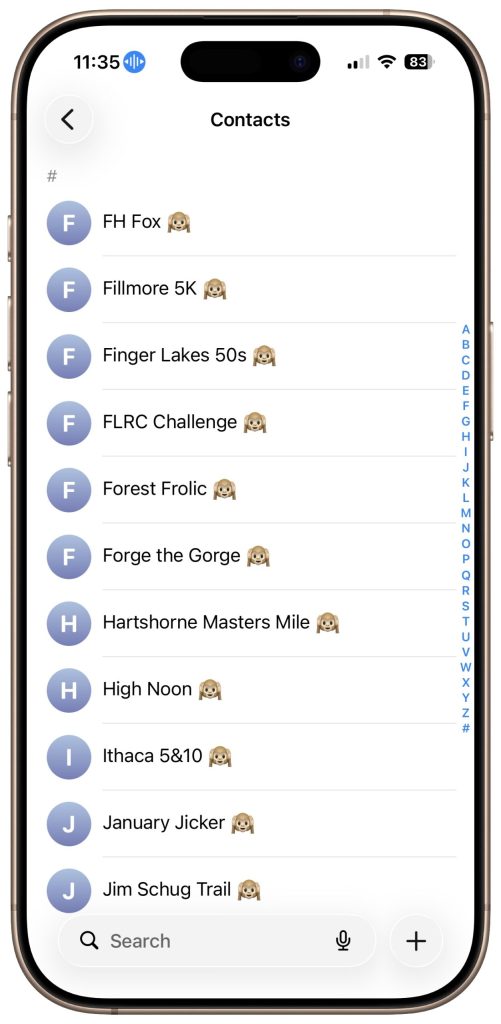
Apple’s Dictation feature is a great way to avoid slow typing on the iPhone and iPad, and it can be welcome on the Mac as well. But it struggles with proper nouns—it guesses wildly at unfamiliar names and often fails to capitalize common words that are part of a name (so you get “New York […]
When Should You Upgrade Your Apple Devices?
The simple answer to “When should you upgrade?” is when your device no longer does what you need, or when you want something new. But that’s not helpful if you’re trying to make an informed decision—is there a sweet spot when it makes more sense to upgrade rather than squeeze another year out of your […]
Use Your AirPods as a Camera Remote
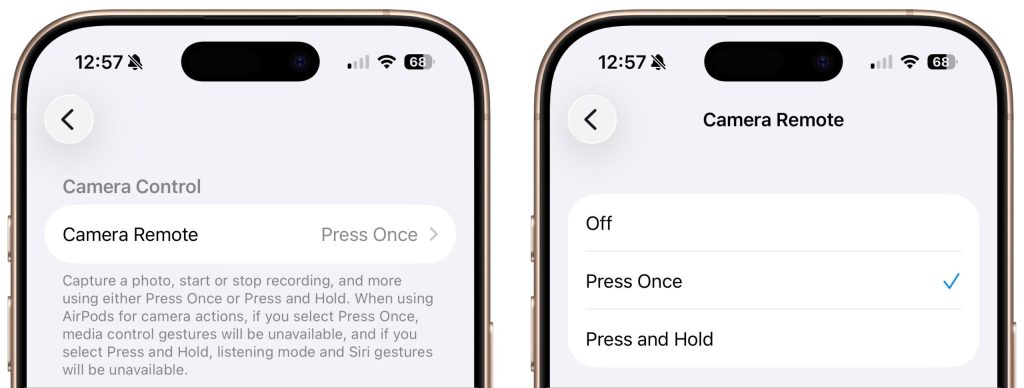
Have you ever wanted to activate the shutter button for your iPhone’s camera—for either a still photo or a video—when you’re not holding it? Selfie sticks often come with Bluetooth buttons that can do that, and starting in iOS 26, you also can use your AirPods 4 or AirPods Pro as a camera remote. While […]
Not Sure If You’re Presentable for a Video Call? Try Hand Mirror

Since the pandemic, video calls have become a fact of life for many of us, so much so that it’s now possible to sit down for a meeting without thinking about whether you’ve changed out of your pajamas or brushed your hair. (No judgment; we’ve all done it.) To ensure that you’re presentable before you […]