
Want to Password-Protect a PDF? Follow These Best Practices

We periodically field questions about password-protecting a PDF to prevent the wrong people from reading it. Lawyers want to ensure that drafts of legal documents don’t fall into the wrong hands, financial advisers want to keep confidential financial information private, and authors want to prevent their writing from being shared broadly on the Internet. Others […]
Keep a USB Keyboard and Mouse for Troubleshooting
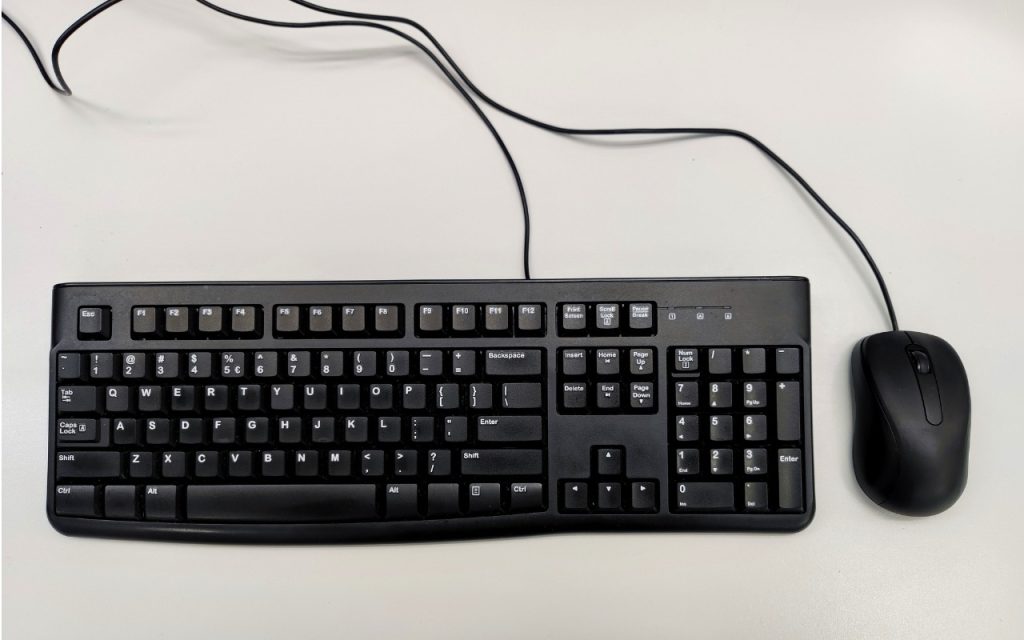
Steve Jobs famously railed against cable clutter, and it’s now easy to use a desktop Mac with a wireless keyboard and mouse, either from Apple or another manufacturer. That’s fine for regular usage, but Bluetooth keyboards and mice aren’t always sufficient. Batteries wear out, pairing can fail, and wireless interference can cause lags or spurious […]
Networking Gear Does Wear Out—Suspect It in Internet Slowdowns and Dropouts

We’ve helped some clients recently with networking problems that seemed to be related to Internet connections. Most notable was intermittently slow Internet performance, causing the client to call their ISP to upgrade to a higher bandwidth connection with guaranteed throughput. But that extra monthly expense turned out to be unnecessary once we tracked the problem […]
Forget Your Just-Changed Passcode? iOS 17’s Passcode Reset Has Your Back

The hardest time to remember your iPhone or iPad passcode is right after you’ve changed it. Generally speaking, there’s no reason to change your passcode, but if you inadvertently or intentionally shared it with someone with whom you wouldn’t trust your bank account information, changing it to something new is a good idea. We could […]
Tired of Nonstop Cookie Popups? Dismiss Them Automatically with These Extensions
The European Union has for many years required that websites—at least those serving European users—gain informed consent before storing the personal data of those users. That data includes cookies, which are bits of information stored in Web browsers that websites can read and write. Cookies are widely used for remembering login information, saving user account […]
Faster Copying of Two-Factor Authentication Codes from Messages

One welcome feature of Safari is its automatic detection and auto-filling of SMS-based two-factor authentication codes you receive in Messages. It allows you to complete your login quickly, without having to retrieve the code from Messages. But what if you use a different Web browser, like Google Chrome, Firefox, Brave, or Arc? Apple doesn’t allow […]
Is Your Mac Running Low on Disk Space? Here’s How to Delete Unnecessary Files

Between apps, photos, videos, music, and downloads, it’s easy to fill up your Mac’s drive, particularly one with just 128 or 256 GB of drive space. macOS warns you when you get too low on space, but those warnings may come late—for optimum Mac performance, we recommend you keep at least 10–20% of your drive […]
Mac Keyboard Shortcuts Performing Unexpected Actions? Check These Settings

Keyboard shortcuts are a productivity win, but they can cause confusion if something unexpected happens when you inadvertently press some system-wide key combination. For instance, you might be taken aback if you accidentally press Control-Option-Command-8 and all the colors on your Mac screen suddenly invert. Although Apple has pages listing shortcuts and the KeyCue utility […]
With Storms Increasing, Protect Your Tech Gear from Damaging Power Fluctuations

It has been a tough year for extreme weather events. While the connection between weather and technology may seem tenuous, heat waves, high winds, and lightning strikes can play havoc with all sorts of powered and networked electronic devices. Anything that causes power fluctuations—spikes, surges, sags, brownouts, and blackouts—can hurt your tech gear. Protecting your […]
Erase Image Content in Preview with Copied Color Blocks
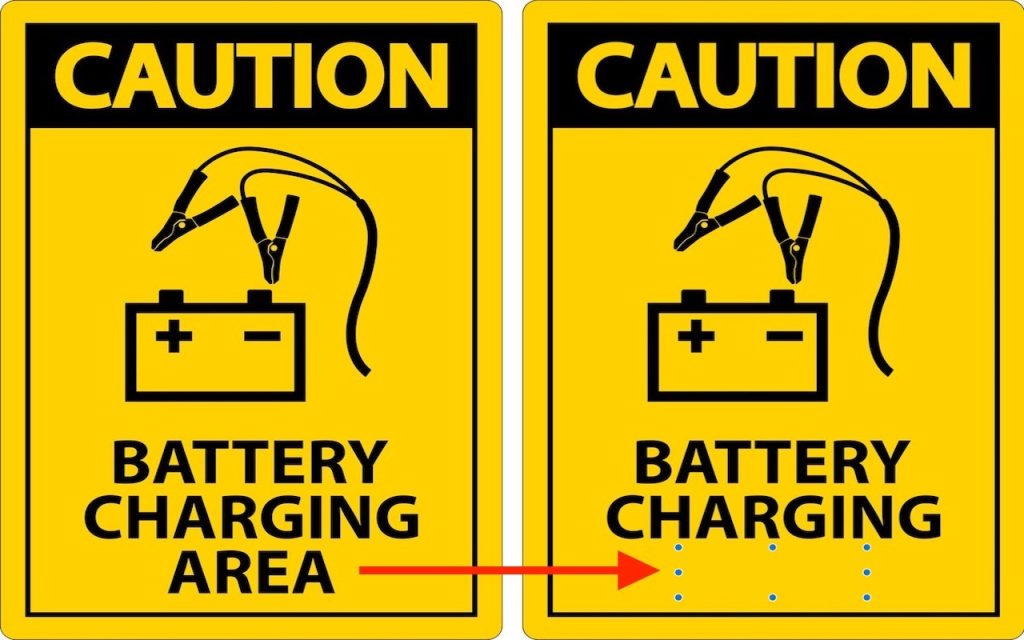
Apple’s Preview is a surprisingly capable graphics editor for making quick changes to screenshots and other illustrations, but it lacks a built-in way to delete content while leaving the background. Here’s the workaround—select a rectangle of the background color, copy it, paste it, and then move it over the undesirable content—as shown in the After […]
