
Use StandBy to Make Your iPhone into a Clock, Photo Frame, and More
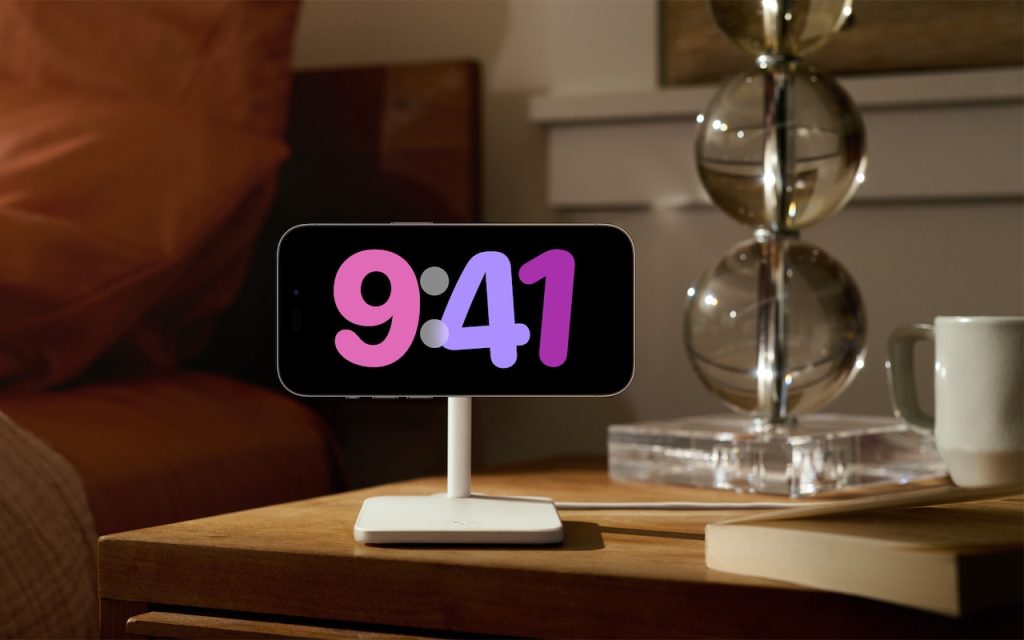
iOS 17 brings a new mode for the iPhone: StandBy. All you have to do is connect your iPhone to a charger wirelessly or with a cable, position it on its side in landscape orientation, and press the side button to lock the screen. Standby works best with a MagSafe charging stand. Swipe left or […]
