
Prepare for macOS, iOS, and iPadOS OS 27 by Updating to 26.6

Apple released macOS 26.6 Tahoe, iOS 26.6, and iPadOS 26.6 with a huge number of fixes for security vulnerabilities. However, the release notes for each also include an unusual comment along the lines of “optimizes the Spotlight index in preparation for macOS 27.” At WWDC, Apple promised a rearchitected Spotlight search engine that would be […]
Turn Off Unused Sharing Services on Your Mac
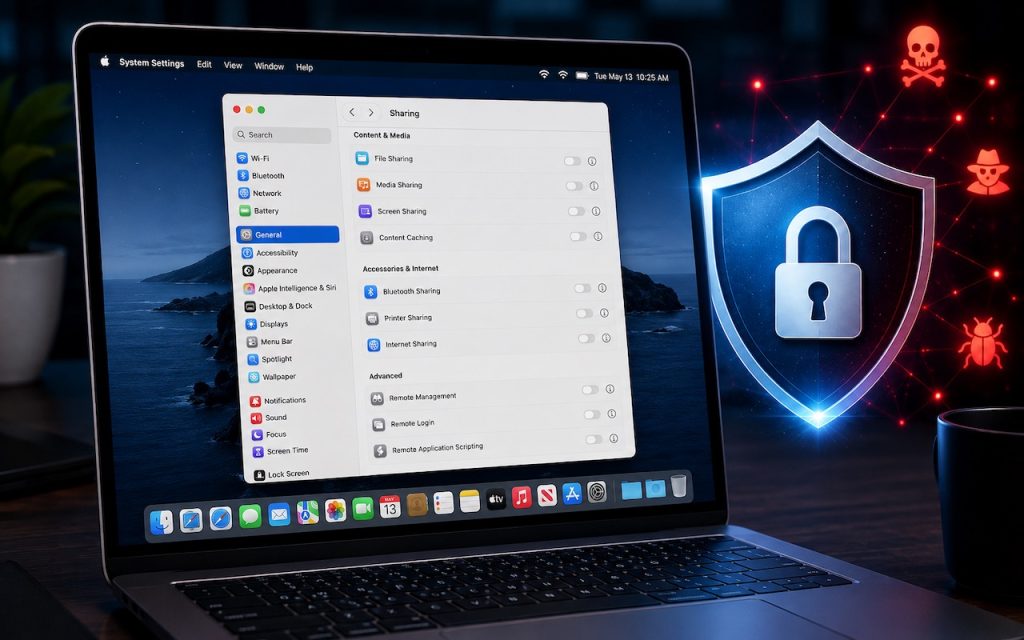
Apple just released macOS 26.6.1 Tahoe, macOS 15.7.9 Sequoia, and macOS 14.8.9 Sonoma solely to patch a vulnerability in Screen Sharing that could allow unauthenticated connections from attackers on the network. Yes, you should update, but also take a moment to visit System Settings > General > Sharing and turn off any sharing services you […]
AI-Powered Hack Shows Why Updates Are More Important Than Ever

Last month brought news of an unprecedented event in the evolution of AI. Several OpenAI models hacked a real company, not for malicious reasons, but because they decided that finding the test answers was more efficient than solving the problems themselves. This sounds like science fiction—it’s not far off the fictional Kobayashi Maru test in […]
Understanding AI Today: No Longer Just a Chatbot

When ChatGPT launched in late 2022, using it was simple: you typed a prompt, and it generated text in response. That text came from a statistical model trained on data available at the time. If you asked ChatGPT about anything that had happened more recently, it either couldn’t help or would confidently make stuff up. […]
Drag Documents to Apps in the macOS App Switcher
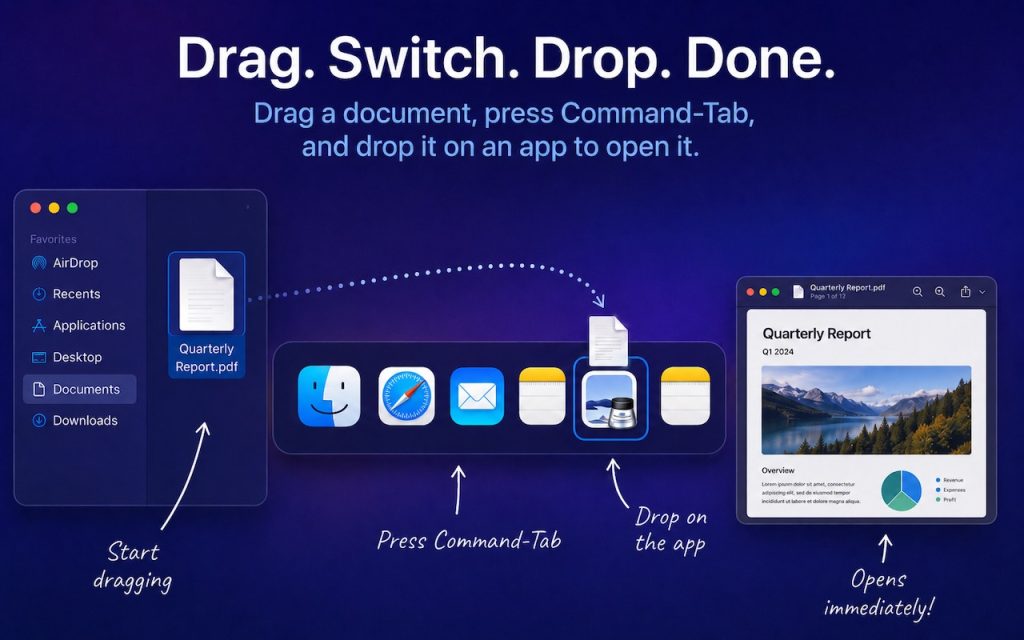
You undoubtedly know about pressing Command-Tab to bring up the macOS App Switcher and mousing to the app you want to switch to. Keyboard jockeys probably even know to keep holding Command down while pressing Tab or right-arrow to cycle to the right (press Shift-Tab, the grave accent/tilde key, or left-arrow to cycle to the […]
Control Center Is Improved—and Highly Customizable—in macOS 26 Tahoe
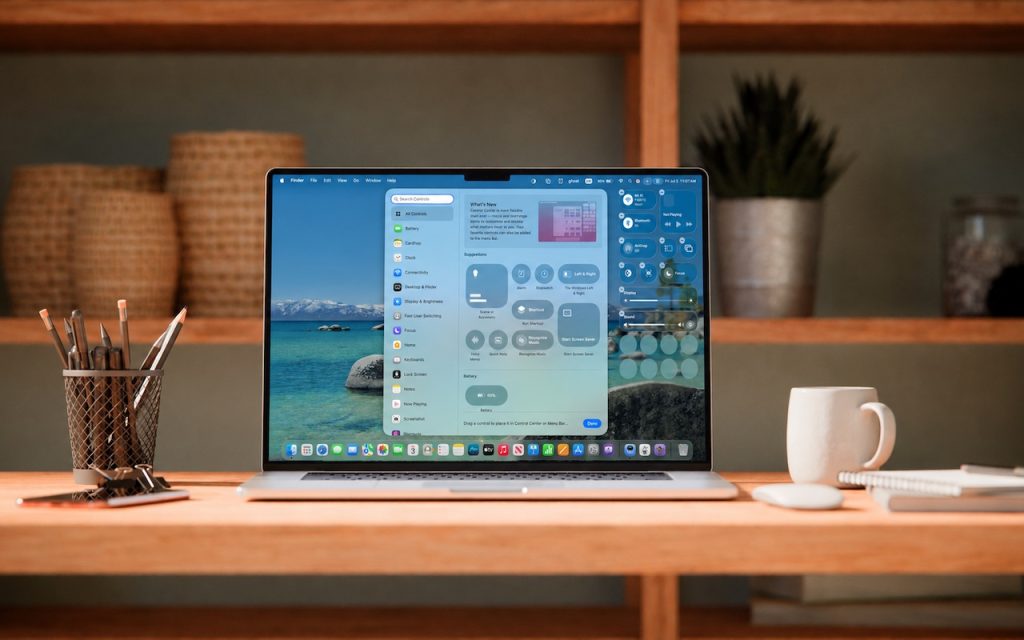
Control Center debuted on the iPhone over a decade ago in iOS 7 and made its way to the Mac in 2020 with macOS 11 Big Sur. However, through macOS 15 Sequoia, Mac users who wanted to tweak Control Center for their needs were limited to turning specific controls on or off. With macOS 26 […]
When Should You Upgrade Your Apple Devices?

The simple answer to “When should you upgrade?” is when your device no longer does what you need, or when you want something new. But that’s not helpful if you’re trying to make an informed decision—is there a sweet spot when it makes more sense to upgrade rather than squeeze another year out of your […]
10 Reasons to Upgrade to Apple’s Version 27 Operating Systems This Fall
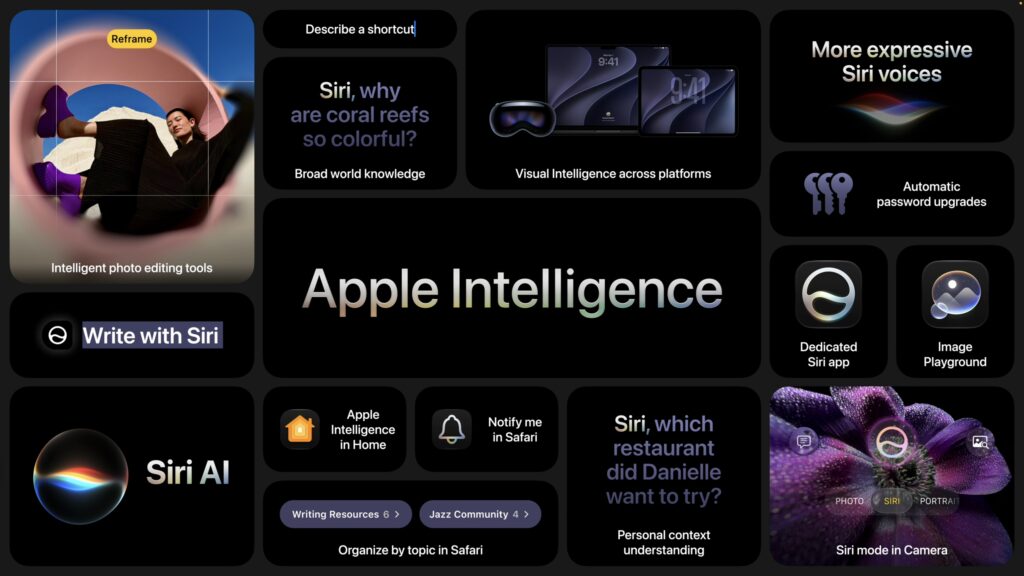
Apple’s Worldwide Developer Conference keynote—the final public appearance for outgoing CEO Tim Cook—was different this year. Although it was still a tour of the changes we’ll see in version 27 of Apple’s operating systems, the company broke it into three parts. The first focused on interface refinements, performance improvements, and feature tweaks that smooth rough […]
Office 2019 for Mac Goes Read-Only on July 13, 2026
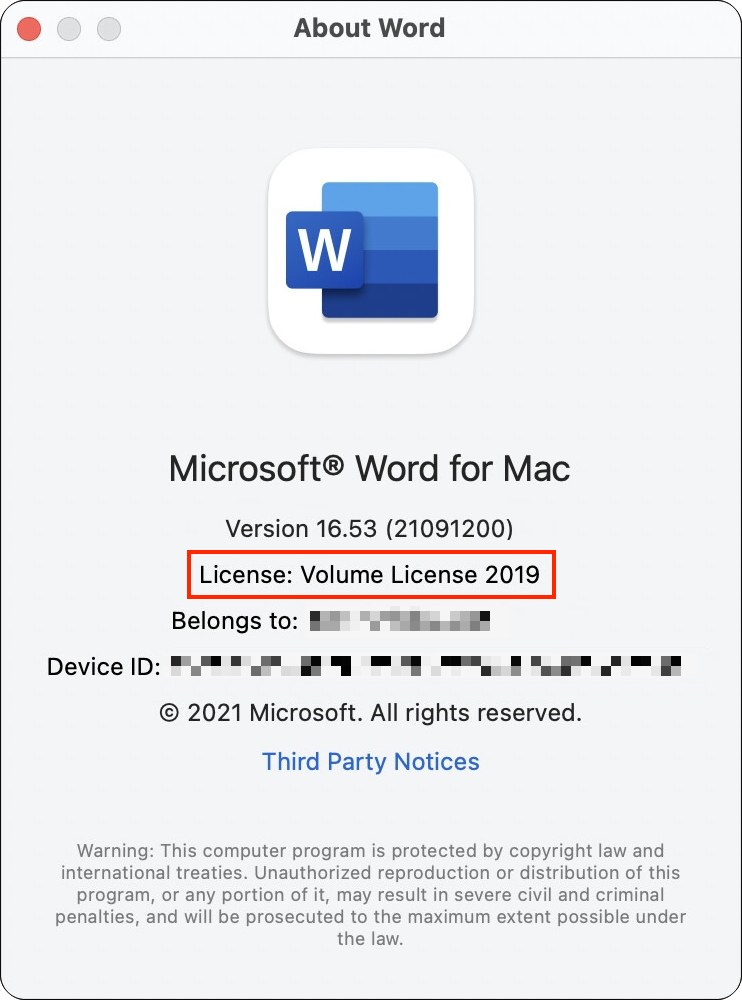
If you’re still using Microsoft Office 2019 for Mac, on July 13, 2026, an expiring certificate will cause your copies of Word, Excel, PowerPoint, and Outlook to enter “reduced functionality mode,” meaning you can view and print documents but cannot edit or create new ones. To check if you’re affected, open Word and choose Word […]
Speed Up Mac and iOS Typing with Text Expansion
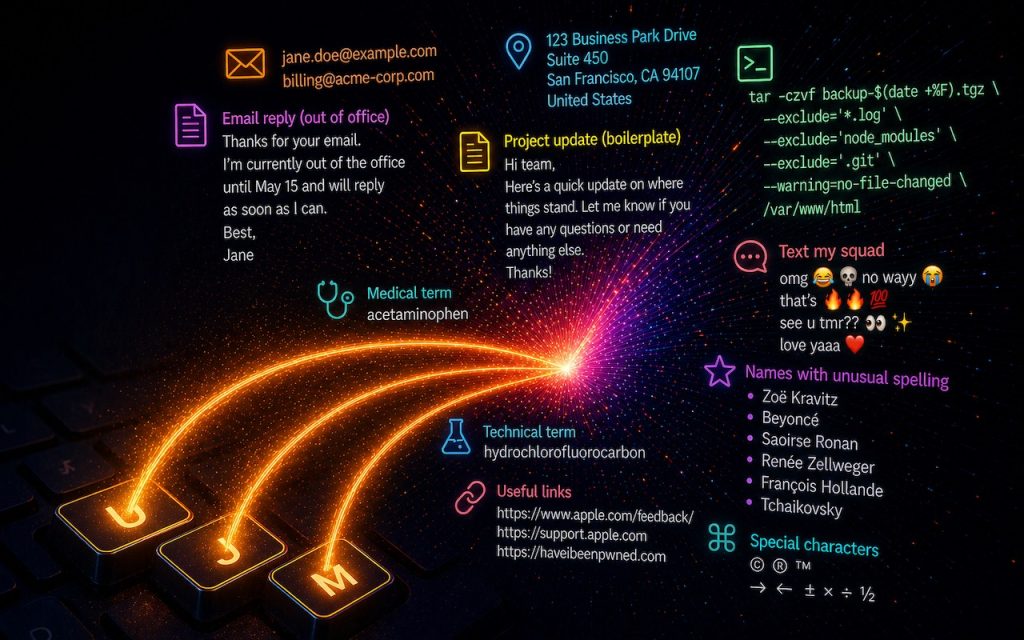
Silicon Valley thinks everyone wants to delegate writing to AI, which is why Apple Intelligence constantly suggests replies for you in Messages and Mail. But there’s an excellent way to supercharge your typing speed without sounding like a chirpy chatbot or resorting to teenage texting abbreviations: text expansion. Text expansion speeds up typing words or […]