
When Should You Upgrade Your Apple Devices?
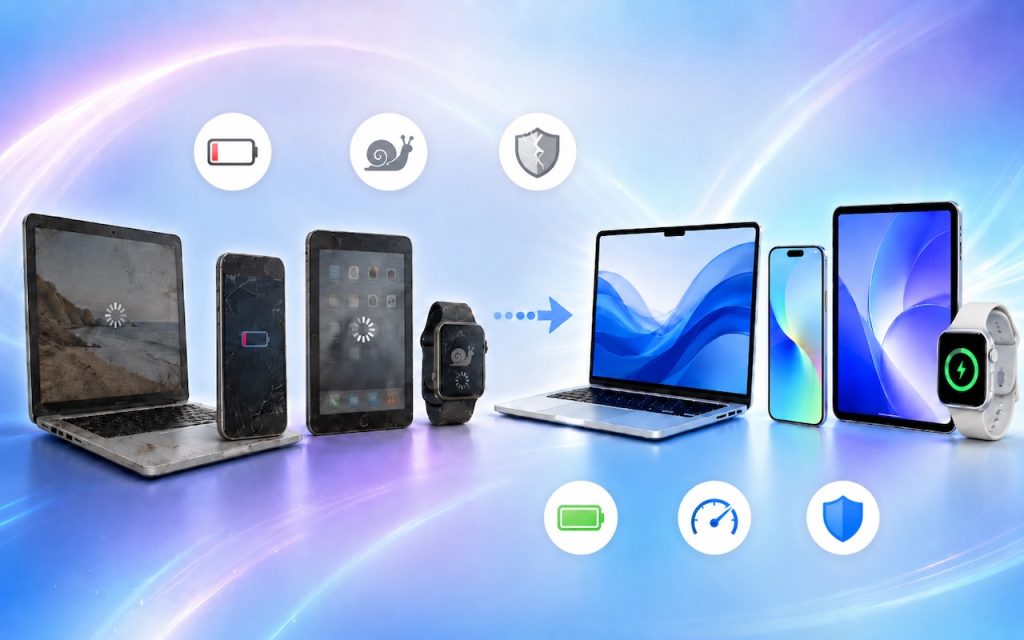
The simple answer to “When should you upgrade?” is when your device no longer does what you need, or when you want something new. But that’s not helpful if you’re trying to make an informed decision—is there a sweet spot when it makes more sense to upgrade rather than squeeze another year out of your […]
Use Your AirPods as a Camera Remote
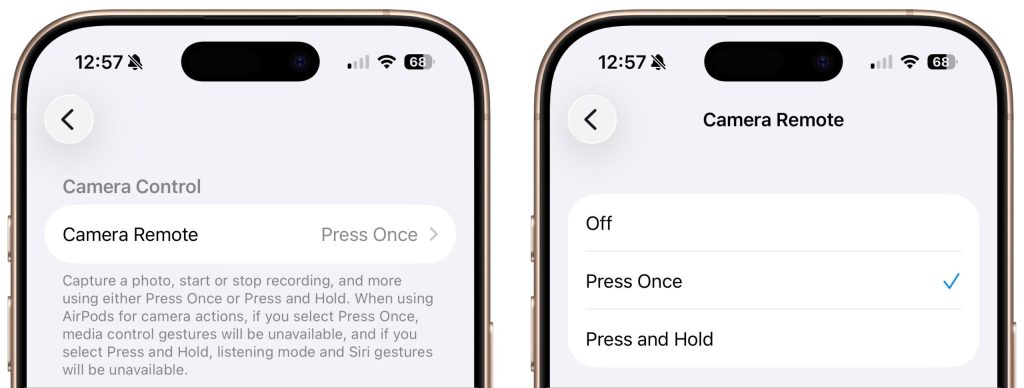
Have you ever wanted to activate the shutter button for your iPhone’s camera—for either a still photo or a video—when you’re not holding it? Selfie sticks often come with Bluetooth buttons that can do that, and starting in iOS 26, you also can use your AirPods 4 or AirPods Pro as a camera remote. While […]
Choosing the Best Mac for a College-Bound Student in 2026
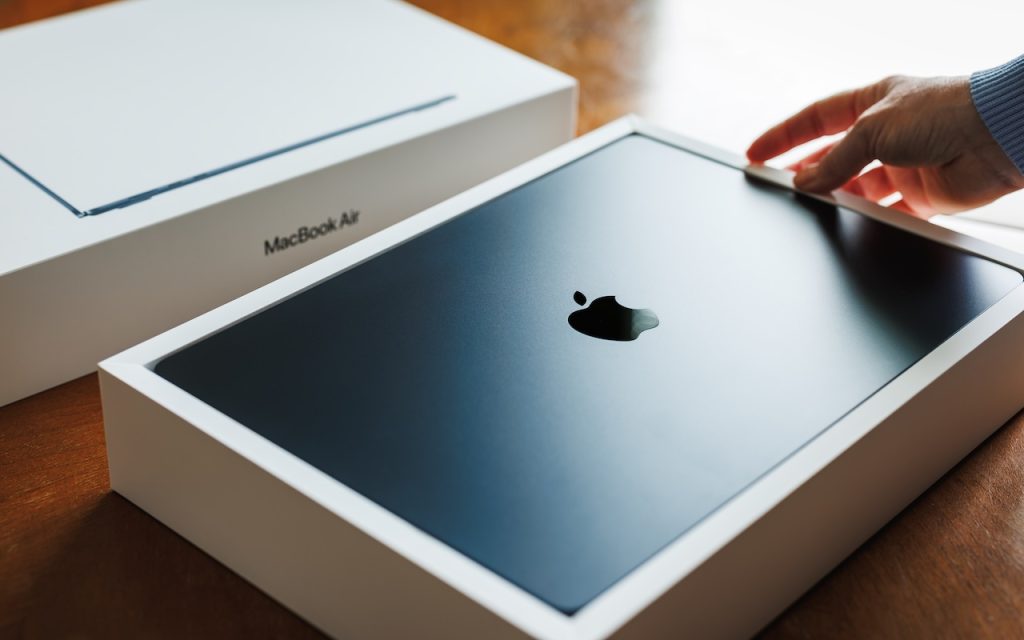
If you have a college-bound student, it’s time to think about whether they need a new Mac. Perhaps their current computer is showing its age, or it was a high school loaner, or it would be better handed down to a younger sibling. Whatever the reason, navigating Apple’s current Mac lineup can feel overwhelming, especially […]
10 Reasons to Upgrade to Apple’s Version 27 Operating Systems This Fall
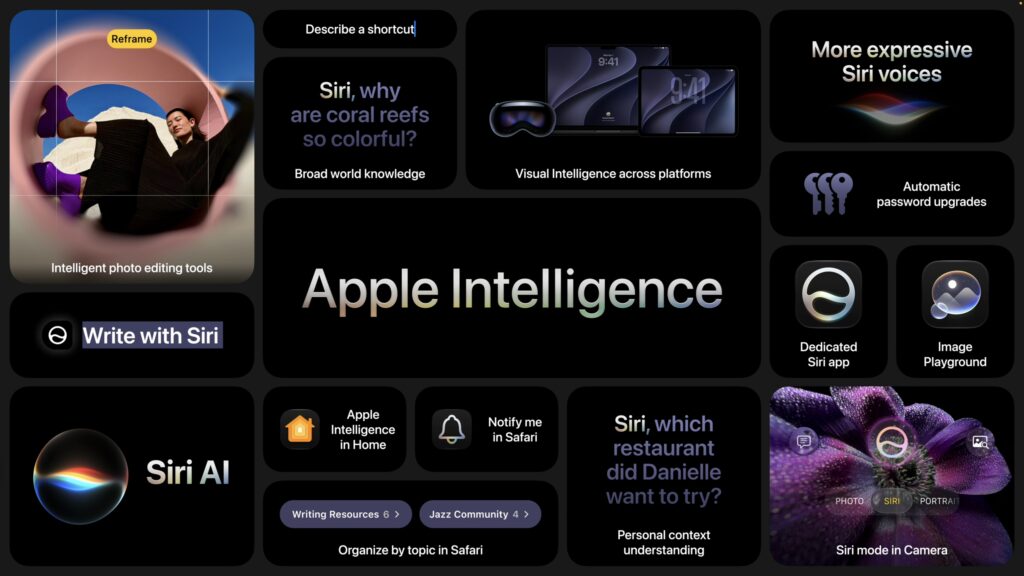
Apple’s Worldwide Developer Conference keynote—the final public appearance for outgoing CEO Tim Cook—was different this year. Although it was still a tour of the changes we’ll see in version 27 of Apple’s operating systems, the company broke it into three parts. The first focused on interface refinements, performance improvements, and feature tweaks that smooth rough […]
Choose Default Apps for File Types in iOS 26 and iPadOS 26
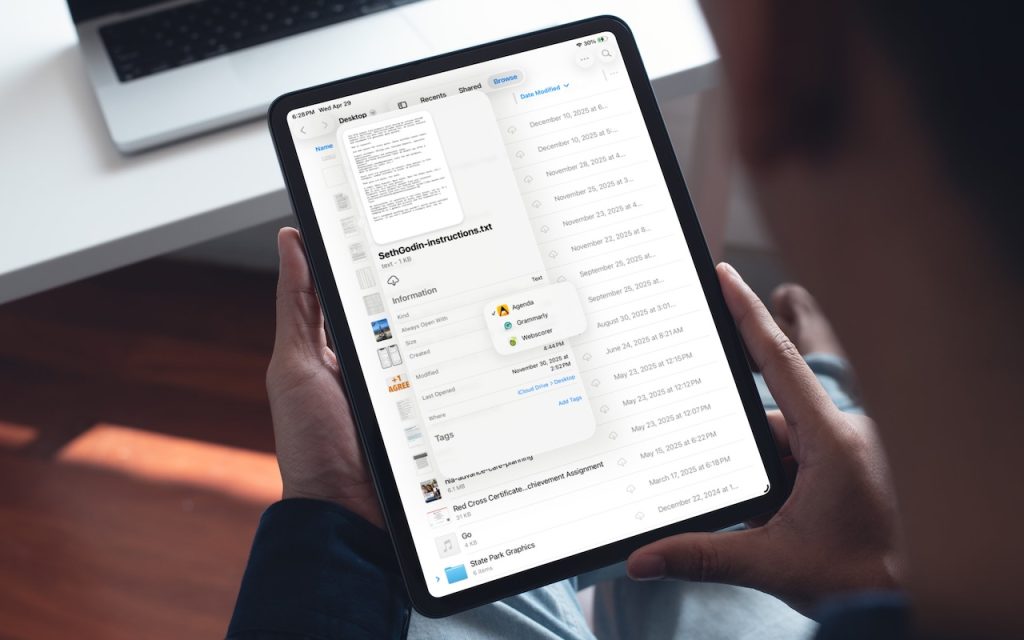
On the Mac, every file type opens in a particular app by default, but it’s easy to open a PDF, image, or text file in a different app. In the Finder’s Get Info window, you can also reset the default app so that, for example, JPEGs open in Photoshop or Affinity instead of Preview. That’s […]
Customize the Camera Control on Your iPhone

The Camera Control on iPhone 16 and later models lets you open the Camera app and take a photo with the press of a button. But it’s more than just a simple button—it features a touch-sensitive surface that lets you adjust a variety of settings without having to tap the screen. To access the controls, […]
Understanding New MacBook Battery Charging Features
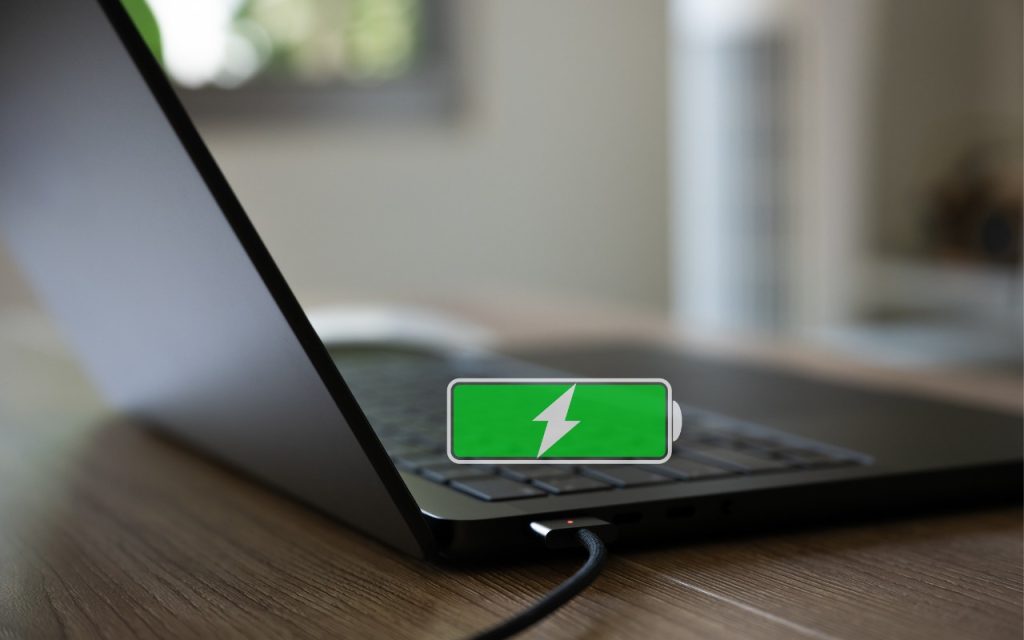
The just-released macOS 26.4 Tahoe introduced two battery-related features for MacBook users, helping them understand and control MacBook charging. A Slow Charger indicator now appears in the battery status menu and in Battery settings when your Mac is connected to a charger that isn’t delivering the minimum recommended wattage. More significantly, a new Charge Limit […]
Create AI-Powered Playlists with iOS 26.4’s Playlist Playground

Apple Music subscribers running iOS 26.4 can use the new Playlist Playground feature to create AI-generated playlists tailored to any mood, genre, activity, or era. To try it on your iPhone, open the Music app, tap the Library tab, tap the + button, then tap Create New Playlist. Instead of manually adding songs, tap the […]
Two iPhone Exploit Kits Mean You Should Update iOS Now

The discovery of two sophisticated iPhone exploit kits—DarkSword and Coruna—within weeks of each other signals a troubling shift. Unlike previous spyware attacks that targeted high-profile users, these exploit kits have been deployed via compromised legitimate websites, so anyone who visits an infected site could fall victim, with no additional clicks or downloads required. This suggests […]
Apple Refreshes iPhone, iPad Air, and MacBook Lineups

Apple kicked off March 2026 with a flurry of product updates, refreshing its budget iPhone, mid-range iPad, and entire MacBook lineup. The announcements bring real upgrades across the board, with improved chips, faster storage, and better connectivity. iPhone 17e Adds MagSafe The iPhone 17e replaces last year’s iPhone 16e and maintains its $599 entry-level price. […]
