
How to Develop Safely with AI

Generative AI is transforming software development. Large language models are good at human languages, but they’re even better at programming languages, which have much smaller vocabularies and fewer ways to combine words. Most importantly, code does something, so running it confirms whether it performs as intended. The result has been a democratization of development, much […]
How to Share Sensitive Information Securely over the Internet

At some point, most of our communications shifted from analog to digital: letters and phone calls became emails, texts, and video calls. With analog methods, we could generally assume that our private communications would remain private. Few people were going to steam open a letter or wiretap a phone line. The Internet changed that—digital communications, […]
Choosing the Best Mac for a College-Bound Student in 2026
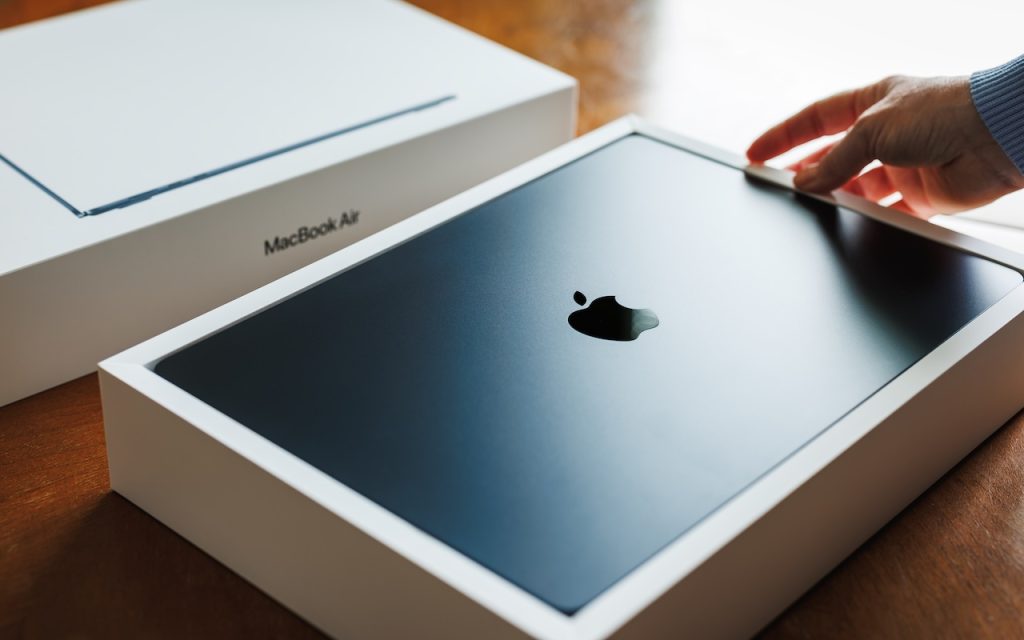
If you have a college-bound student, it’s time to think about whether they need a new Mac. Perhaps their current computer is showing its age, or it was a high school loaner, or it would be better handed down to a younger sibling. Whatever the reason, navigating Apple’s current Mac lineup can feel overwhelming, especially […]
Get to Your Files Faster by Choosing the Best Finder View
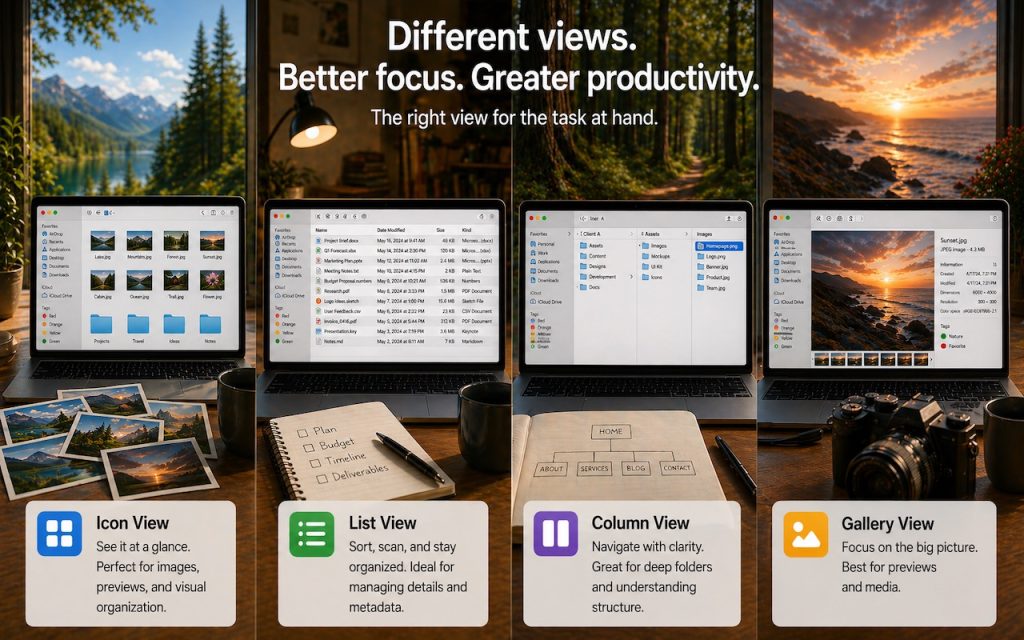
If you can work comfortably with the Mac’s four Finder views, you’ll enjoy an easier experience when you try to get to your folders and files. Each view has its pros and cons, so using the best view for the job at hand will make you more productive. Here’s a look at the Icon, List, […]
Why Your Windows Reopen (Or Don’t) As You Expect

Have you noticed that when you restart your Mac or relaunch an app, your previous windows and documents sometimes reappear exactly as you left them, but at other times you’re greeted with a clean slate? This behavior is controlled by Resume, a technology introduced in OS X 10.7 Lion back in 2011. Resume automatically reopens […]
Stay Safe in 2026 with These New Year’s Resolutions

We’re approaching the end of 2025, so we encourage you to consider your New Year’s resolutions. For many people, the new year offers an opportunity to reflect on habits we’d like to adopt or solidify. Although we support reducing social media use and making other positive lifestyle changes, we’d like to suggest a few additional […]
Spotlight Gets Brighter in macOS 26 Tahoe

Spotlight has been a staple on macOS for decades, and at various points in its history, Apple has added new search capabilities. However, the revamp that Spotlight enjoyed in macOS 26 Tahoe is the most significant change in a long time. Here are the new features you’ll experience in Tahoe. Filterable Interface Apple has refocused […]
Automate Your Mac with Folder Action Scripts

Do you repeatedly find yourself wanting to do something in the Finder with every file of a certain type? Perhaps you regularly download files from a particular website that come in with a .txt extension, even though they’re CSV files that should have a .csv extension? Or maybe you want to rename files according to […]
A Few of Our Favorite Things: 2025 Tech Edition

The holidays may be just around the corner, but we field requests for tech gear recommendations year-round. Below you’ll find our suggestions, whether you’re shopping for an Apple tech enthusiast or simply looking to upgrade your own devices and accessories. Plenty of other excellent options exist—we’d love to hear about the peripherals that have worked […]
Notable User Interface Changes to Expect in macOS 26
macOS 26 Tahoe is a larger visual leap than any recent upgrade. Although we don’t yet recommend that everyone upgrade, we want to show you some of the user interface changes that will impact your everyday experience of using the Mac. Liquid Glass Changes Many of these changes stem from Apple’s new Liquid Glass design […]
