
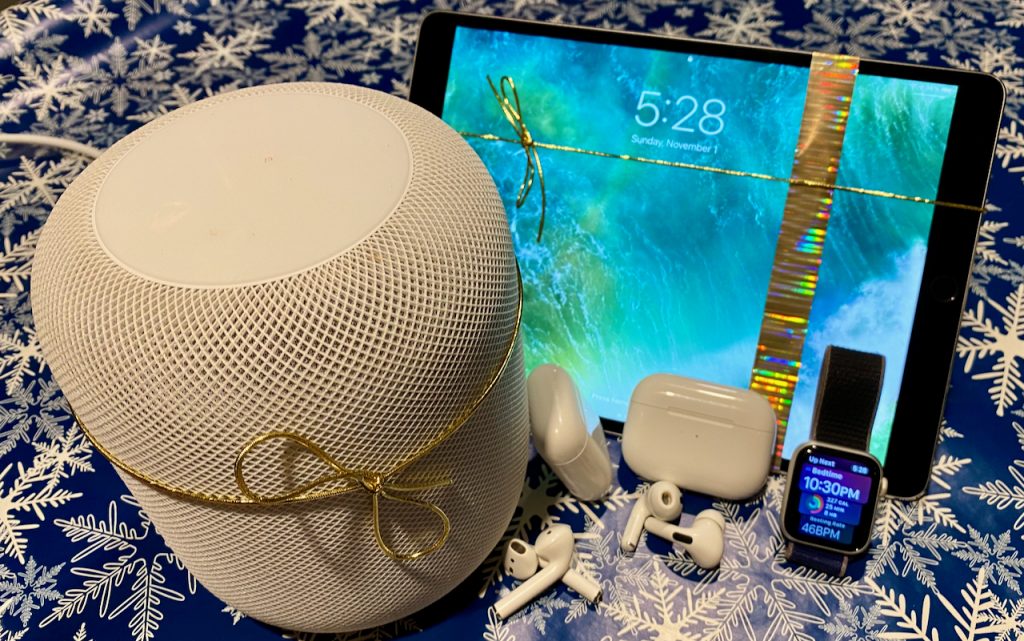
We’re moving into the holiday shopping season, and if you’re looking for the perfect gift for that special someone, Apple-related gifts always go over well. Here are our recommendations this year.
AirTag
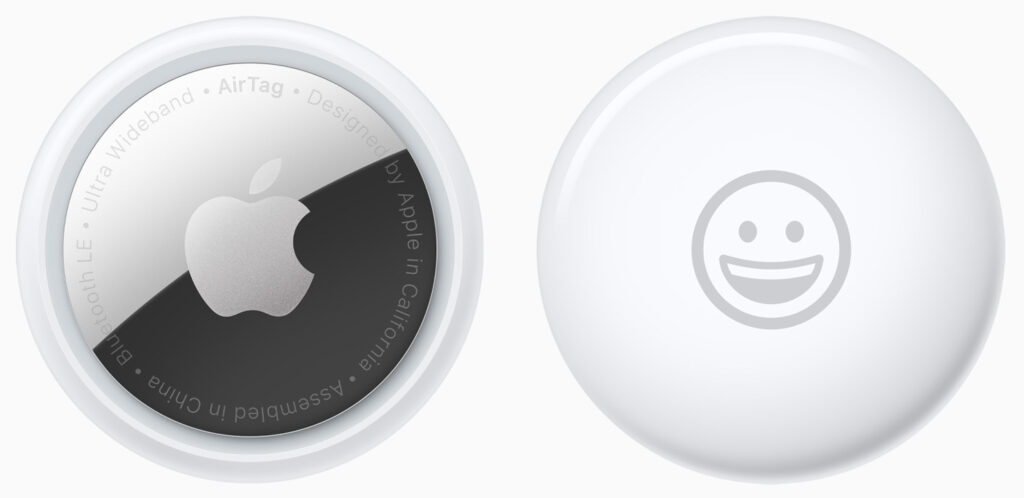
Do you know someone who’s always misplacing their keys, purse, or backpack, or who’s planning a trip? They might appreciate Apple’s AirTag trackers. Attach one to a keyring or backpack (with a separate $29 AirTag Loop or $35 AirTag FineWoven Key Ring—there are also lots of third-party clips and holders, such as for bikes) or store it deep in a bag pocket, and from then on, they can use the iPhone’s Find My app to see where they left their stuff. AirTags leverage the Find My network, so wherever the item is, nearby Apple devices that detect it can securely share its location with you. AirTags are especially helpful for tracking down checked luggage that hasn’t arrived at its destination—we wouldn’t travel without them anymore. One AirTag costs $29, or you can get a four-pack for $99. You can even have Apple personalize each AirTag with custom text and emoji. In iOS 17, you can better share AirTags with family members, too!
AirPods and AirPods Pro
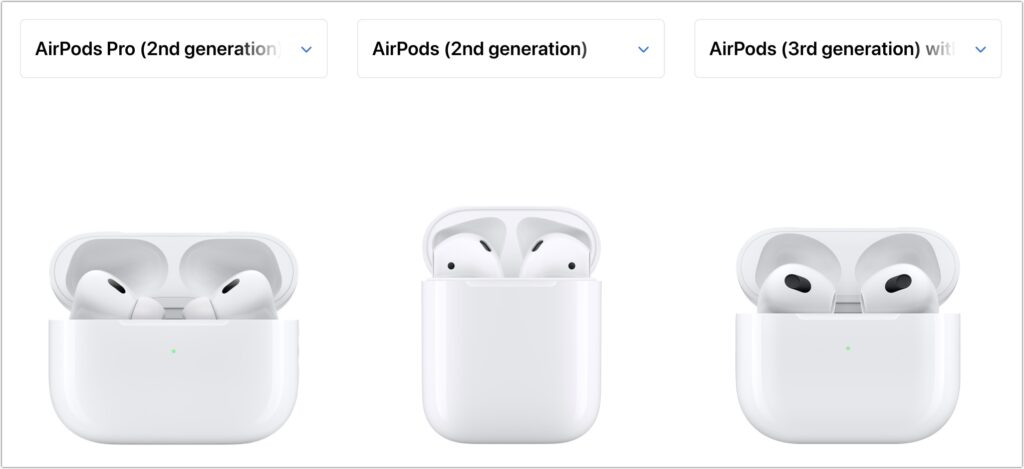
Apple’s wireless earbuds keep getting better. In September, the company updated the second-generation AirPods Pro with a USB-C charging case (to match the USB-C–focused iPhone 15 line) and improved dust resistance. The updated AirPods Pro also support lossless audio with the Apple Vision Pro headset promised for early 2024. The second-generation AirPods and third-generation AirPods remain available, and all three make excellent gifts.
The second-generation AirPods cost $129, have a relatively long stalk, and feature up to 5 hours of listening on one charge. The $179 third-generation AirPods shrink the stalk, switch to a force sensor for controls, add support for spatial audio with dynamic head tracking, feature sweat and water resistance, have a MagSafe wireless charging case, and last up to 6 hours on a single charge. For $249, the second-generation AirPods Pro now offer Adaptive Audio, which blends Active Noise Cancellation and Transparency mode to let important sounds in when needed. They provide touch control for media playback and volume adjustments from the stem and boast a battery life of up to 6 hours. The new USB-C charging case for the AirPods Pro is dust- and water-resistant, includes a lanyard loop, and can charge from a USB-C cable, MagSafe charger, Qi wireless charger, or Apple Watch charger. All three models support Hey Siri commands and automatically switch between Apple devices. See all the similarities and differences in Apple’s comparison tool.
HomePod and HomePod mini
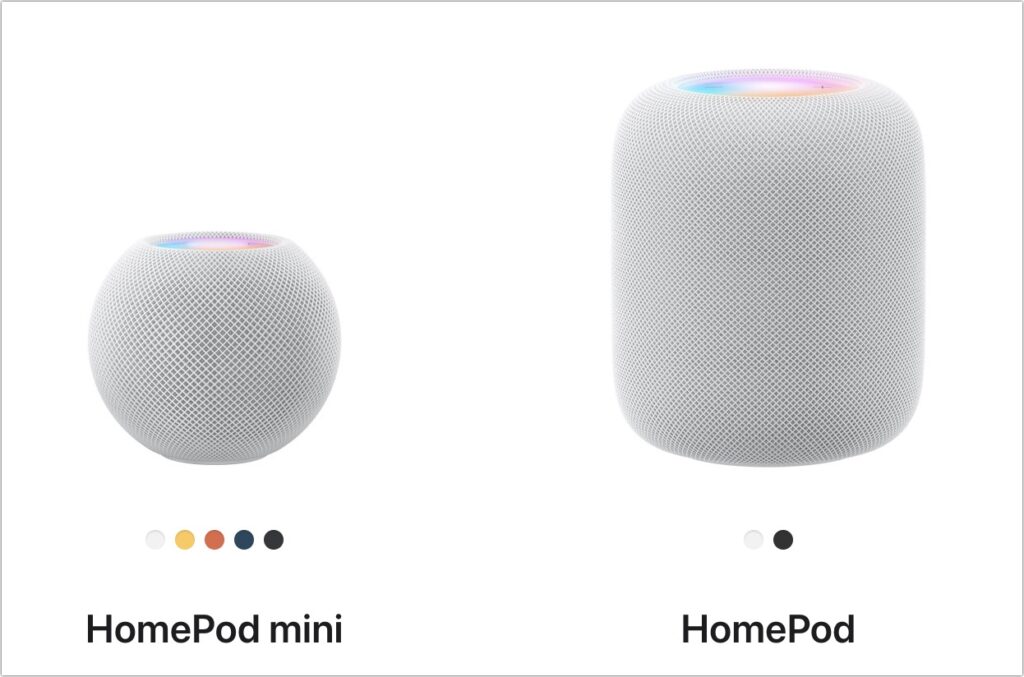
Apple unexpectedly brought the full-size HomePod back to its lineup in 2023, tweaking the hardware specs to reduce manufacturing costs while maintaining or even improving sound quality, depending on whose ears are listening. The $299 second-generation HomePod supports spatial audio with Dolby Atmos for music and video, includes temperature and humidity monitoring, and can alert you if smoke or carbon monoxide alarms go off. The grapefruit-sized HomePod mini takes up less space, produces excellent sound for its size, and can do almost everything the larger HomePod can do for only $99.
You can control either the HomePod or HomePod mini entirely via Siri, use it as a hub for your HomeKit home automation accessories, and even have it play sound from your Apple TV. Put a HomePod in different rooms in the house, and you can use Intercom to communicate with family members with your voice. Pair two HomePods of the same type and generation for stereo sound for the best audio experience. HomePods work best when coupled with an Apple Music subscription, but remember that either HomePod model comes with a free 6-month subscription.
Apple TV 4K
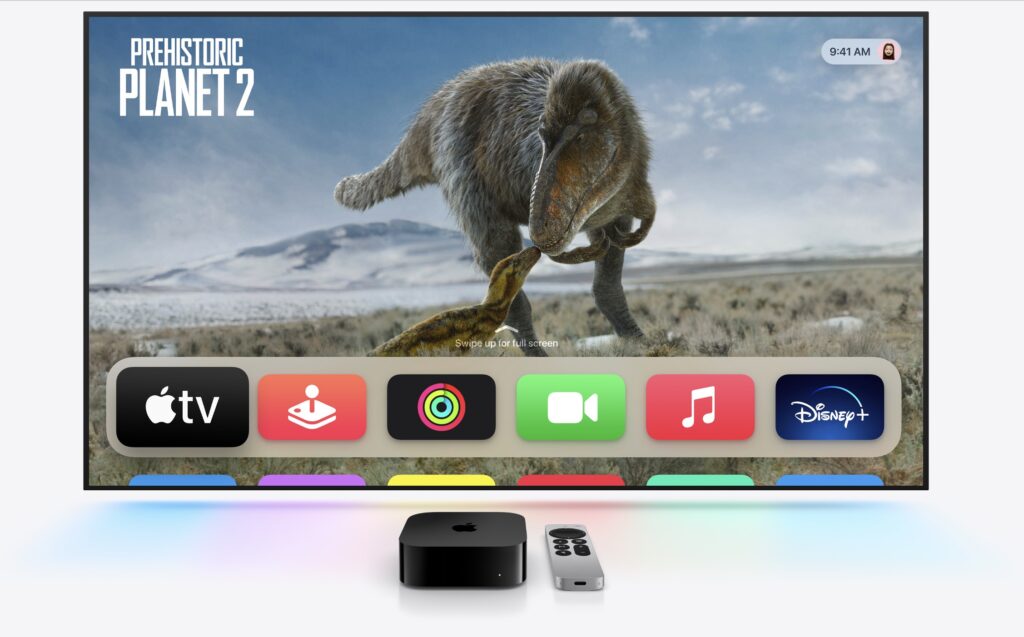
The Apple TV hasn’t changed much for a while, but last year’s models still make great gifts. If someone on your list would enjoy a streaming media player, consider the third-generation Apple TV 4K, which has a lot going for it. For someone who primarily wants to watch videos, the $129 Apple TV 4K (Wi-Fi) model is all they’ll ever need, with 64 GB of storage. For $149, the Apple TV 4K (Wi-Fi + Ethernet) has 128 GB of storage for loading numerous apps and games, and it includes a Gigabit Ethernet port and supports the Thread home automation protocol. Both include a Siri Remote that charges via USB-C.
iPad, iPad mini, and iPad Air
If you’re considering giving an iPad as a gift, Apple has numerous options for you to choose from, with starting prices ranging from $329 to $599. The main change for 2023 is the release of the new USB-C Apple Pencil, which is compatible with all iPads with USB-C and costs just $79. The $50 price drop comes with the loss of pressure sensitivity and wireless charging.

iPad choices include:
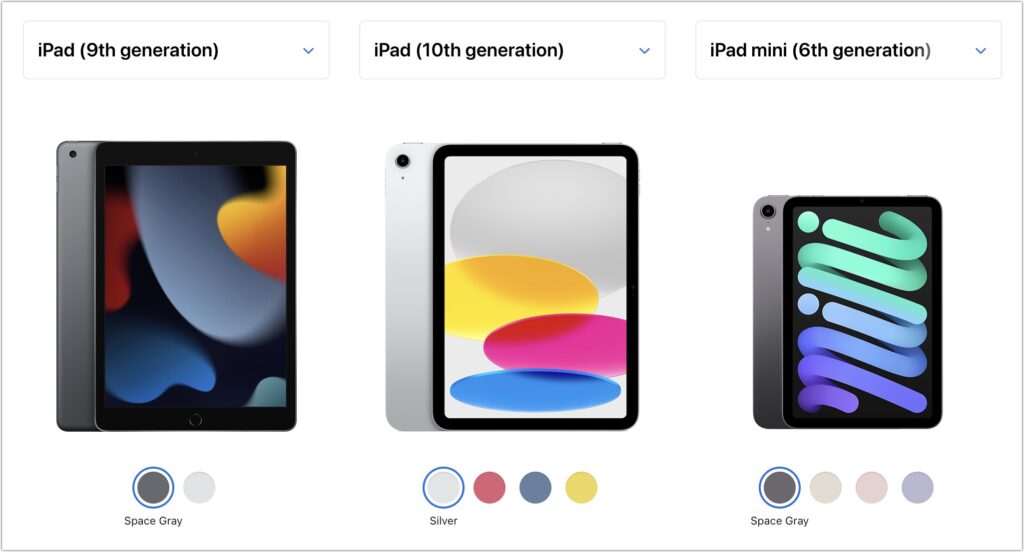
- Ninth-generation iPad: The budget choice for a kid or an adult with basic needs is the two-year-old ninth-generation iPad, which remains a bargain at $329. It works with the first-generation Apple Pencil ($99), and those who need to type can add the $159 Smart Keyboard.
- Tenth-generation iPad: Last year’s tenth-generation iPad starts at $449. It moves Touch ID to the top button, increases the display size to 10.9 inches, and positions the front-facing camera on the landscape edge. It pairs with the $249 Magic Keyboard Folio and either the first-generation Apple Pencil or the USB-C Apple Pencil ($79).
- iPad mini: If you’re looking for something small, the diminutive sixth-generation iPad mini fits the bill at just $499. It’s compatible with the second-generation Apple Pencil ($129) and the USB-C Apple Pencil, but to add a keyboard, you’ll have to look to a third-party manufacturer or use a standard Bluetooth wireless keyboard.
- iPad Air: For the most power short of the pricey iPad Pro models, consider the fourth-generation iPad Air. It starts at $599 and can handle even the most intensive tasks, especially when coupled with a second-generation Apple Pencil or USB-C Apple Pencil and either a Magic Keyboard ($299) or Smart Keyboard Folio ($179).
Apple Watch Gift Certificate
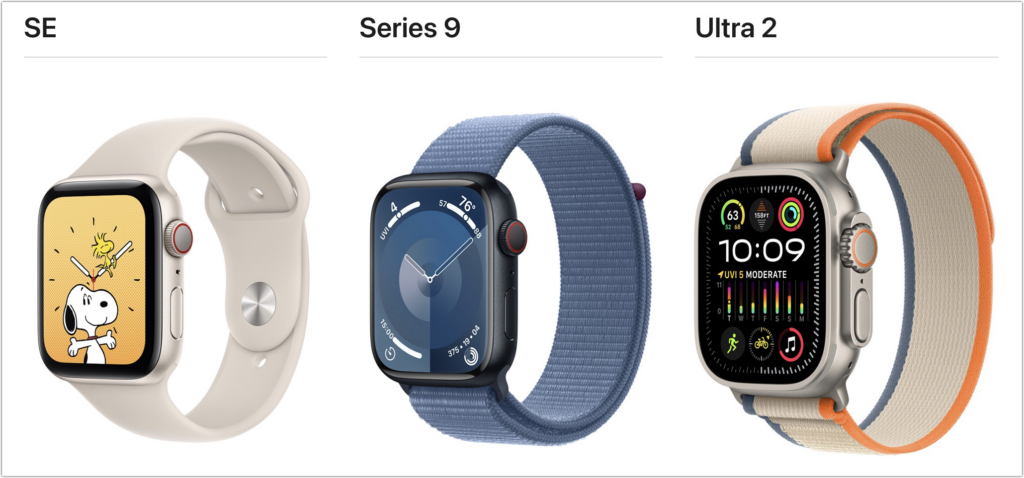
We love the Apple Watch, but it can be tricky to give a gift. There are three rather different models, and Apple provides a dizzying number of options for case size, material, and color, plus many band options, making it difficult to know what would be most appreciated. Instead of guessing what your recipient would like, we encourage giving a certificate that’s good for a conversation about what to purchase. Then sit down with the recipient to run through all the decisions on the Apple Watch site.
2023’s options include the second-generation Apple Watch SE (starting at $249), the new Apple Watch Series 9 (starting at $399), and the second-generation of the big, beefy, adventure-focused Apple Watch Ultra (starting at $799). Remember that cellular models cost more and require a monthly service fee.
With its support for heart rate monitoring, fall detection, and crash detection, the Apple Watch SE is all that most people need. Consider the Apple Watch Series 9 if you also want a larger and brighter Always-On display, blood oxygen sensor, ECG capabilities, temperature sensor for cycle tracking, and support for watchOS 10’s new double-tap gesture for activating the default button in the current app. The second-generation Apple Watch Ultra puts all those features and more into a 49mm titanium case with an Action button for quick access to app-specific commands. Its buttons are larger and easier to press, the Always-On display is brighter, the GPS works better in challenging conditions, and it has a depth gauge and water temperature sensor so it can serve as a dive computer. The Apple Watch Ultra boasts up to 36 hours of battery life in everyday usage and up to 72 hours in Low Power Mode. It’s impressive, but make sure you like how it looks on your wrist, given how big it is. Again, Apple has a helpful comparison tool.
Even though they are worthy gifts, we didn’t include any Macs in this article because they’re quite a bit more expensive and difficult to select without extensive discussion of the recipient’s needs. Let us know if you need help choosing the right Mac for someone on your list, but we’re partial to the M1- and M2-based MacBook Air and the new M3-based 24-inch iMac for many users.
(Featured image by Adam Engst)
Social Media: Looking for the perfect holiday gift for the Apple user in your life? Here are our suggestions for the top Apple gifts for 2023.
